




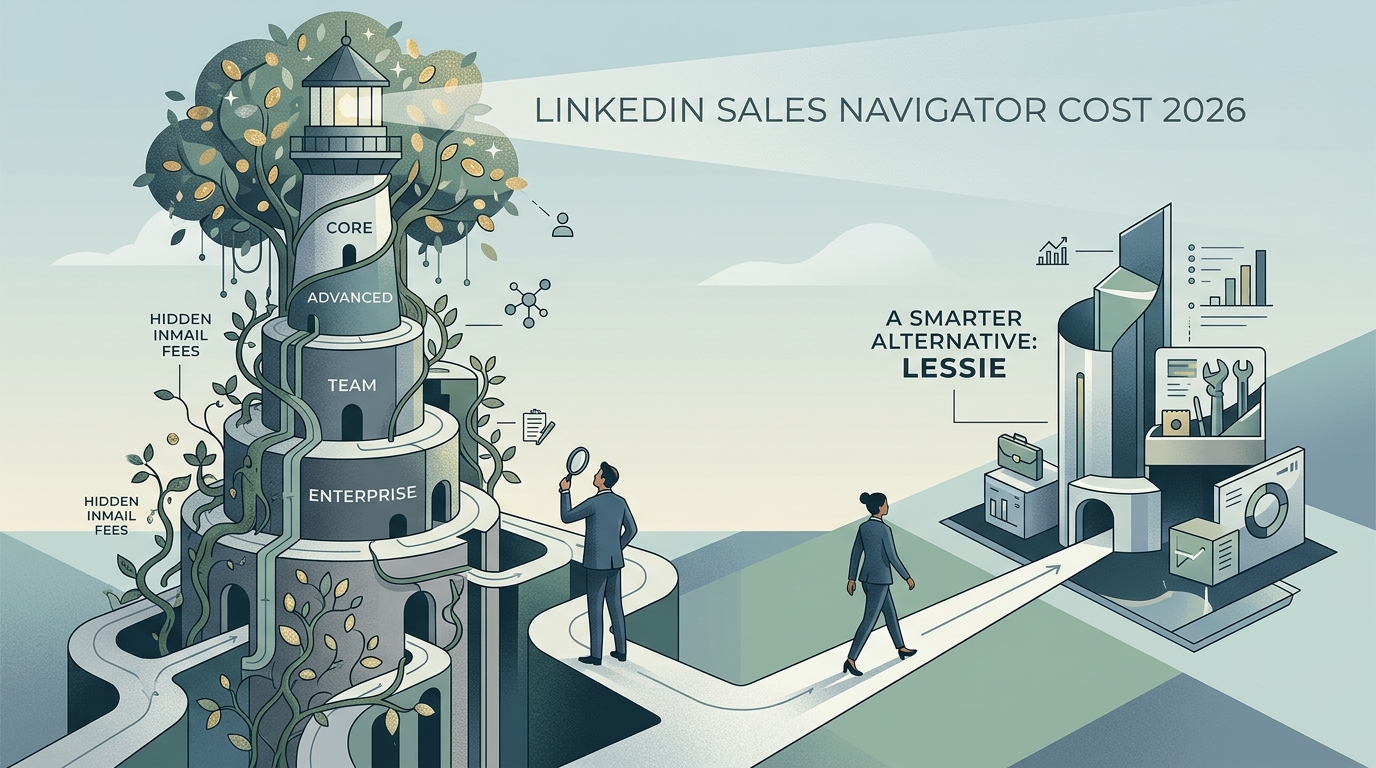
LinkedIn Sales Navigator cost in 2026 ranges from $99/user/month (Core) to $169/user/month (Advanced Plus) on monthly billing, with ~20% discount on annual contracts. Enterprise pricing (Sales Navigator Advanced for Enterprise) is custom and typically lands at $1,600+/user/year with CRM sync and admin controls. Hidden costs include InMail credit overages ($1–3 each above the 50/month allotment) and the Recruiter add-on for talent-side use cases. For B2B teams that need verified work emails (Sales Navigator only shows profiles, not emails), pair it with Lessie at a flat monthly rate or replace it entirely.
LinkedIn Sales Navigator cost is one of the most-Googled procurement questions in B2B sales because the pricing page does not put a clean number on it. The public marketing site lists Core, Advanced, and Advanced Plus, but the actual per-user cost shifts with billing frequency, seat count, contract length, and whether you bundle the LinkedIn Recruiter add-on or InMail credits. Enterprise pricing is gated behind a sales call entirely.
This guide breaks down every LinkedIn Sales Navigator cost tier in 2026: list prices, real-world annual costs, hidden add-ons, and the line items most teams miss until renewal. Then we explain why Sales Navigator is a research layer, not a contact database — and how to pair it with Lessie for the verified work emails Sales Navigator cannot give you. Try Lessie free while you read.
LinkedIn Sales Navigator Pricing in 2026: Quick Comparison Table
Three tiers are publicly listed; one is gated. Prices below assume USD monthly billing; annual contracts run ~20% cheaper.
- Sales Navigator Core: ~$99/user/month ($79.99/user/month on annual billing, ~$960/user/year). 50 InMail credits/month, advanced search, lead alerts.
- Sales Navigator Advanced: ~$149/user/month (~$120/user/month annual, ~$1,440/user/year). Everything in Core plus TeamLink, CRM integration, and Smart Links.
- Sales Navigator Advanced Plus: ~$169/user/month (annual billing only, gated). Everything in Advanced plus SSO, advanced CRM sync, and admin controls.
- Sales Navigator Enterprise: Custom, typically $1,600–$3,000+ per user per year with bulk contract minimums. CRM data integration, dedicated account team, advanced analytics.
LinkedIn Sales Navigator Core Cost: What You Actually Get
At ~$99/user/month on monthly billing ($79.99/user/month on annual), Sales Navigator Core is the entry tier and the one most individual SDRs land on. The list of what is included matters because the marketing page understates the difference between Core and Advanced.
What Core includes: advanced lead and company search (40+ filters), 50 InMail credits per month (unused credits carry over up to 150), lead and account alerts (job changes, news, decision-maker moves), saved searches and saved leads with notifications, who has viewed your profile (extended), and basic Sales Navigator Coach analytics.
What Core does not include: CRM integration (no Salesforce/HubSpot sync of leads or activity), TeamLink (no warm-introduction routing), Smart Links (no engagement tracking on shared content), or any export functionality —which means Core leads stay locked inside LinkedIn unless you copy-paste manually.
For individual reps doing manual research and using LinkedIn as the primary prospecting surface, Core is workable. For teams that need anything resembling pipeline reporting or CRM hygiene, Core leaves you stitching with spreadsheets.
LinkedIn Sales Navigator Advanced Cost: When the Upgrade Pays Off
At ~$149/user/month monthly ($120/user/month annual, $1,440/year), Advanced is where Sales Navigator stops being a power-user search tool and starts being a team product. Three Core-missing features show up here.
CRM integration. Bidirectional sync with Salesforce, HubSpot, Microsoft Dynamics, and a few others. Sales Navigator leads flow into the CRM as records; Sales Navigator activity (saves, InMails) appears on the CRM contact timeline. For any team running >3 SDRs, this single feature usually justifies the Advanced upgrade.
TeamLink and TeamLink Extend. Warm-introduction routing surfaces which of your colleagues are connected to a target lead, enabling intro requests. TeamLink Extend layers in a company-wide connection graph (employees who are not on Sales Navigator). High-touch enterprise motions get genuine value here.
Smart Links. Trackable, branded links you share with leads (a PDF, a deck, a video). The recipient view shows time-on-page, scroll depth, and forward behavior. Useful for measuring engagement on outbound nurture.
Advanced is the right pick for any B2B sales team larger than a single rep. The $1,440/year-per-seat math at 5 reps = $7,200; at 20 reps = $28,800 — still cheaper than a ZoomInfo Enterprise contract, but you are paying for LinkedIn data and a research workflow, not contact emails.
LinkedIn Sales Navigator Advanced Plus Cost: Enterprise Lite
At ~$169/user/month (annual billing only), Advanced Plus adds SSO, advanced CRM sync (custom field mapping, bidirectional record updates), and admin controls (seat assignment, usage reporting). Pricing for Advanced Plus is gated behind a sales call in many regions; the public list price is occasionally surfaced through the upgrade flow.
The Advanced→Advanced Plus delta is mostly IT and procurement features (SSO, admin), not new sales capabilities. Worth it when your security team mandates SSO or when annual seat count is high enough to need centralized seat management. Otherwise Advanced is the better economic pick.
LinkedIn Sales Navigator Enterprise Cost: The Real Numbers
Sales Navigator Enterprise (sometimes called "Sales Navigator Advanced for Enterprise") is gated behind a custom contract. Pricing depends on seat count, annual contract length, included InMail credits, and integration depth.
Real-world benchmarks from publicly disclosed Sales Navigator Enterprise contracts:
- Mid-market (20–50 seats): ~$1,600–$1,800 per user per year on a 2-year contract.
- Enterprise (50–200 seats): ~$1,800–$2,400 per user per year, often with extra InMail credits and CRM integration bundled.
- Global enterprise (200+ seats): ~$2,400–$3,000+ per user per year, with dedicated account team, executive reporting dashboards, and Recruiter add-on bundles.
The enterprise tier locks you into multi-year contracts, includes mandatory annual InMail credit pools (you cannot ratchet down), and typically requires a 3-month onboarding cycle. The math justifies itself for enterprise sales teams running deep ABM motions on Fortune 5000 accounts; for anyone smaller, Advanced is the right ceiling.
Hidden LinkedIn Sales Navigator Costs You Need to Know
The headline tier price is not the actual cost. Three line items quietly inflate spend.
InMail credit overages. Every tier includes 50 InMail credits per month (max 150 banked). Beyond that, additional credits cost $1–3 each depending on contract tier. A team running active InMail outreach burns through baseline credits in 2 weeks and ends up paying $200–$500/user/year in overages. InMail response rates are 10–15%, so the per-reply cost can be meaningful.
The Recruiter add-on. Many sales teams cross-purchase LinkedIn Recruiter Lite (~$170/user/month) or Recruiter Professional (~$835/user/month) to access candidate-side InMail and talent search. Bundling Recruiter with Sales Navigator is a common upsell at renewal — watch the line items.
Annual contract auto-renewal. LinkedIn auto-renews annual contracts at the prior year's rate (often with a built-in escalator). Cancellation requires 30–90 days written notice depending on region. Forgetting to cancel commits you to another year at a possibly higher rate.
What is not included at all: verified work email addresses. Sales Navigator is a profile-only product. You cannot export a CSV of leads with their work emails. Reps either guess emails (low accuracy) or pair Sales Nav with an email-finder tool — adding another monthly bill.
LinkedIn Sales Navigator vs Lessie: When to Replace
For most B2B sales teams, Sales Navigator is not the complete prospecting product— it is a research layer. The data inside Sales Navigator (profiles, role history, company news) is excellent. The outputs (no email, no direct dial, no export) leave a gap that needs filling.
Lessie fills that gap natively. Where Sales Navigator gives you a name and a profile, Lessie returns a verified work email (95%+ accuracy), a direct dial when available, and the contact context you need to write a real outreach message. Lessie also pulls signals from sources Sales Navigator does not surface — company news, funding rounds, SEC filings, podcast appearances — which feeds Lessie's built-in AI-personalized outreach layer.
Cost comparison at typical SDR usage (200 outreach attempts per month):
- Sales Navigator Advanced + email-finder + sequencer: $120/month + $50–99/month (Hunter, RocketReach) + $39–99/month (Lemlist, Instantly) = $210–$320 per user per month. Plus InMail overage if you use Sales Nav's outreach.
- Lessie: Free tier covers light usage; paid plans from $29/month flat-rate with no per-seat tax. Discovery, verification, AI outreach in one workflow.
For founder-led sales, SMB GTM teams, or any motion that does not need the LinkedIn graph specifically, replacing Sales Navigator with Lessie cuts cost 70–90% and eliminates the stitching. For enterprise teams whose ICP genuinely lives on LinkedIn, run both: Sales Navigator for the research layer, Lessie for verified emails and AI-personalized outbound.
Sales Navigator shows profiles. Lessie returns verified work emails, direct dials, and AI-written outreach drafts — from 100+ live sources, at 95%+ accuracy, on a flat monthly plan with no InMail credits and no per-seat tax.
How to Choose the Right LinkedIn Sales Navigator Plan
Match the tier to actual workflow needs.
Pick Core if you are an individual rep, founder, or 1–2-person team doing manual LinkedIn-first prospecting. You can absorb the lack of CRM sync; the 50 InMail credits are sufficient for low-volume outreach.
Pick Advanced if you have 3+ SDRs and use Salesforce, HubSpot, or Microsoft Dynamics. CRM sync alone justifies the upgrade for any motion that reports on pipeline.
Pick Advanced Plus if your security team requires SSO or you need admin controls for seat management at 10+ seats.
Pick Enterprise if you run 50+ seats, need executive reporting, and have an ABM motion on Fortune 5000 targets that justifies a $100k+ annual commitment.
Skip Sales Navigator entirely if your outbound depends on verified work emails and high-volume sending. Sales Nav is a research surface, not a contact database. Lessie or a similar AI-native discovery tool is a better primary spend. Pair Sales Nav as a research layer only if your ICP requires LinkedIn-native context.
FAQ: LinkedIn Sales Navigator Cost
For a deeper feature comparison see our LinkedIn Premium vs Lessie comparison and the related best sales intelligence platforms rankings.