




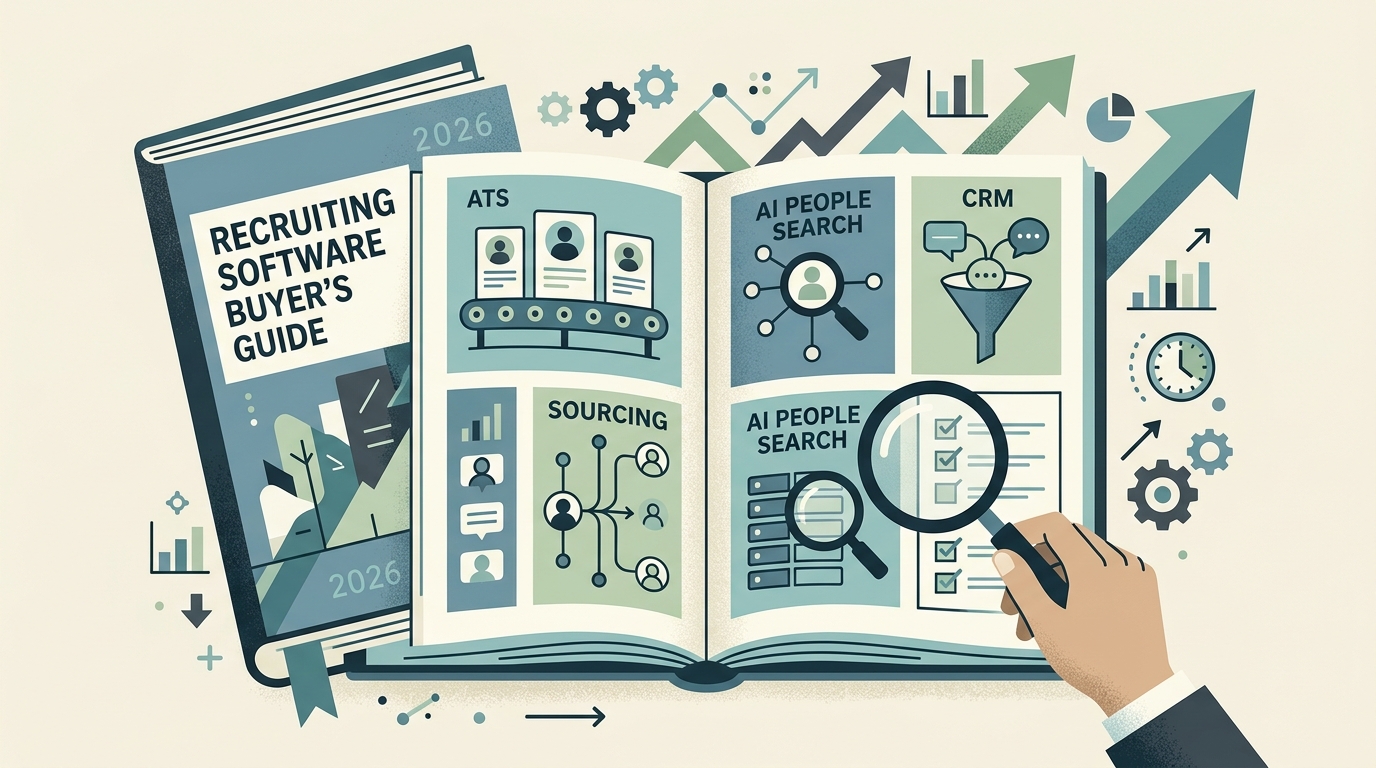
TL;DR: The best recruiting software in 2026 is not one tool — it is the right combination across up to eight categories. Start with an applicant tracking system (ATS) to run your pipeline, add an AI people-search or sourcing tool to fill the top of the funnel, and layer in scheduling, a recruiting CRM, assessments, and analytics only as volume grows. Buy against the bottleneck you can name today, not a feature checklist, and you will avoid paying for three overlapping platforms that each solve one problem partway.
“Recruiting software” is not one product — it is a stack of six to eight different tools that most talent teams end up owning at once. An applicant tracking system holds your pipeline. A sourcing tool finds passive candidates. A CRM nurtures the ones who are not ready yet. A scheduling tool books the interviews. And increasingly, an AI people-search layer surfaces the candidates none of those systems knew existed. Buying“the best recruiting software” really means assembling the right combination for how your team hires.
That is why so many buying decisions go sideways. Teams compare an ATS against a sourcing tool against a CRM as if they were interchangeable, get overwhelmed by feature checklists, and end up paying for three platforms that each solve one problem partway. The better approach is to understand what each category is actually for, decide which categories you truly need at your stage, and only then compare vendors inside a category.
This guide does exactly that. Below you will find the eight categories of recruiting software that matter in 2026, what to look for in each, an honest comparison table, and a clear view of where AI candidate sourcing — the fastest-changing part of the stack — fits into the picture. Whether you are a first recruiter at a startup or running talent at scale, you should leave knowing which boxes to buy and which to skip.
The Recruiting Software Landscape in 2026
In 2026, the recruiting software landscape splits into eight distinct jobs-to-be-done, from managing applicants who already entered your funnel to discovering candidates who never applied at all. Applicant tracking systems (ATS) manage inbound applicants and the hiring workflow. Candidate sourcing tools help you find passive talent who never applied. AI people-search platforms go a step further and discover candidates across the open web, not just a fixed database.
Recruiting CRMs nurture talent pipelines over months. Interview and assessment tools standardize evaluation. Scheduling and video tools remove calendar friction. Job distribution tools syndicate your openings. And analytics layers tell you what is actually working.
Most teams do not need all eight on day one. A five-person startup can hire well with an ATS, a sourcing tool, and a scheduler. A 500-person company running high-volume and executive search simultaneously will touch every category. The mistake is treating the full stack as a requirement rather than a menu. Start from the bottleneck you feel today — too few candidates, too slow a process, or too little visibility — and buy against that.
The biggest shift since the last buying cycle is the rise of AI-native sourcing. For years,“sourcing” meant searching a static resume database or LinkedIn. In 2026, tools like AI people search query the live web —company sites, GitHub, conference talks, portfolios, and social platforms — to surface candidates who are invisible to keyword filters. That single change is why sourcing deserves its own category in any modern recruiting software evaluation.
The 8 Categories of Recruiting Software
The eight categories are applicant tracking, candidate sourcing, AI people search, recruiting CRM, resume databases, interview and assessment tools, scheduling and video, and automation and analytics. Each one solves a different bottleneck, so treat the list below as a shopping list: mark what your team is missing, then compare vendors only inside those categories.
- Applicant Tracking Systems (ATS). The system of record for every candidate in your pipeline — Greenhouse, Ashby, Lever, Workable, and Recruitee are the usual names. Expect to pay roughly $100 to $500 or more per recruiter seat per month, scaling with headcount and add-ons like advanced reporting. Good for structured workflows, collaboration, and compliance. The trap: an ATS only manages people who already entered your funnel — it does not find anyone, and teams that expect it to solve a sourcing problem end up disappointed.
- Candidate sourcing tools. These help you proactively find passive candidates. Traditional options rely on a large indexed database and Boolean filters. See talent sourcing automation for how this category is being reshaped by automation.
- AI people-search platforms. The newest and fastest-moving category. Instead of filtering a fixed database, they run an agentic search across 100+ live sources per query and return verified profiles — including candidates no database has indexed. This is where candidate sourcing automation delivers its biggest edge for hard-to-fill and technical roles. When you compare vendors here, check how contact details are verified, how many sources are actually searched per query, and whether outreach is built in rather than a separate purchase — database size alone is a weak signal.
- Recruiting CRMs. A talent CRM nurtures candidates who are not ready yet, keeping warm leads engaged with campaigns and reminders. Essential once you hire the same profiles repeatedly and want to build a bench instead of starting cold each time.
- Resume databases. Large searchable pools of candidate resumes you can query on demand. Useful for volume roles; see resume database for how a modern one works.
- Interview and assessment tools. Structured interview kits, coding challenges, and skills tests that standardize how you evaluate candidates and reduce bias. They pair naturally with predictive hiring signals to improve quality of hire.
- Scheduling and video interviewing. Self-serve booking links, panel coordination, and recorded or live video rooms. Low-glamour, high-leverage: it is often the single biggest source of time-to-hire delay, and teams that automate it typically cut time-to-hire by up to 30% just by removing calendar back-and-forth.
- Automation and analytics. The connective tissue — automated outreach sequences, pipeline reporting, and dashboards. Overlaps with automated recruiting workflows that remove repetitive manual steps.
Not sure which category is your real bottleneck? If it is sourcing, start there: Lessie searches 100+ live sources per query and verifies contact details in real time, surfacing candidates static databases miss entirely. Start free, no credit card required.
What to Look For When You Compare Recruiting Software
Feature lists are a poor way to choose recruiting software, since every vendor claims every feature. Instead, evaluate each tool against five questions: does it fix your real bottleneck, is the underlying data fresh and verified, how much manual work does it remove, does it support fair and structured hiring, and will it integrate with the ATS you already run.
Does it solve your current bottleneck? If your problem is “not enough qualified candidates,” a slicker ATS will not help — you need sourcing or AI people search. If your problem is “candidates fall through the cracks,” you need an ATS or CRM, not another sourcing seat. Buy against the constraint you can name today.
Where does the data come from, and how fresh is it? A resume database or sourcing tool is only as good as its coverage and recency. Static databases go stale —people change jobs, and cached records bounce. Tools that verify contact details at search time, rather than serving a months-old cache, save you the downstream cost of bad outreach.
How much manual work does it remove? The value of automated recruiting is measured in hours returned to recruiters. A tool that finds candidates but still makes you copy-paste emails and chase contact info is only half a solution. Look for search, enrichment, and outreach in one flow.
Does it support fair, structured hiring? Structured interview kits, skills tests, and diverse sourcing all raise quality of hire and reduce bias. If equity matters to your org, weigh support for diversity recruiting as a first-class criterion, not an afterthought.
Will it integrate with what you already own? Your ATS is the hub. Any sourcing tool, CRM, or scheduler you add should push clean data back into it without manual re-entry. A tool that lives in its own silo creates the double-entry tax that quietly kills adoption.
Comparison: The Main Recruiting Software Categories
The table below answers the question most buyers actually have: which categories are worth budget right now. It compares all eight on primary job, best-fit team, and typical cost, so you can shortlist categories in minutes, then compare individual vendors only inside the ones you pick.
| Category | Primary job | Best for | Typical cost |
|---|---|---|---|
| Applicant tracking (ATS) | Manage the hiring pipeline | Every team past the first few hires | $100–$500+/user/mo |
| Candidate sourcing | Find passive candidates | Teams short on qualified applicants | $50–$200/user/mo |
| AI people search | Discover talent across the live web | Hard-to-fill, technical, and niche roles | Free tier + usage-based |
| Recruiting CRM | Nurture long-term talent pipelines | Teams re-hiring the same profiles | $100–$400/user/mo |
| Resume database | Query a large pool of resumes | High-volume and hourly hiring | $100–$500/mo |
| Interview & assessment | Standardize evaluation | Teams focused on quality of hire | $30–$150/user/mo |
| Scheduling & video | Remove calendar friction | Any team with slow time-to-hire | $10–$50/user/mo |
| Automation & analytics | Sequence outreach, report metrics | Scaling teams needing visibility | Often bundled or add-on |
If you can only buy in stages, the highest-leverage order for most growing teams is: (1) an ATS to stop losing candidates, (2) an AI people-search or sourcing tool to fill the top of the funnel, (3) scheduling to cut time-to-hire, then (4) a CRM and assessment layer as volume grows. Buy the bottleneck, not the buzzword.
Where AI Candidate Sourcing Fits — and Where Lessie Comes In
The one category that has changed most is sourcing. Traditional sourcing tools and resume databases can only return what they have already indexed. If the best candidate for your role has a strong GitHub, a conference talk, and a personal site — but never uploaded a resume or optimized a LinkedIn headline — a database filter will never surface them. That is a structural blind spot, and it is exactly the gap AI people search closes.
Lessie is an agentic search engine built for this problem. Instead of filtering one static database, it queries 100+ live sources per search— company sites, GitHub, portfolios, conference speaker lists, publications, and social platforms — then verifies contact details at the moment of search rather than serving a stale cache. For recruiters, that means two things: you reach candidates no competitor found, and the email or profile you get back is accurate right now.
It slots cleanly alongside the rest of your stack. Your ATS stays the system of record; Lessie feeds the top of the funnel. Use it for the roles where a database comes up empty— senior engineers, specialized researchers, international hires, and hard-to-reach experts. Because it combines discovery, enrichment, and outreach in one flow, it removes the copy-paste tax that makes traditional sourcing so slow, in the spirit of true talent sourcing automation.
A grounded way to think about it: keep your ATS, keep your scheduler, and if you already have a CRM you love, keep that too. Add AI people search as the layer that solves the problem none of those tools were designed for — finding the candidates who never entered a database in the first place. For most teams, that is the missing piece of the recruiting software stack in 2026.
Stop hiring only from the pool that applied. Lessie searches the live web to surface candidates your ATS and job boards never see, verifies their contact details, and drafts personalized outreach — all in one workflow. Start on the free tier, no credit card required.
The best recruiting software, in the end, is not a single winner — it is a deliberate combination matched to how your team hires. Get the ATS right, cover the categories your bottleneck demands, and add AI-native sourcing so your pipeline is never limited to the candidates who happened to find you. For more on the individual pieces, explore the Lessie blog and the dedicated pages for AI people search and automated recruiting.