




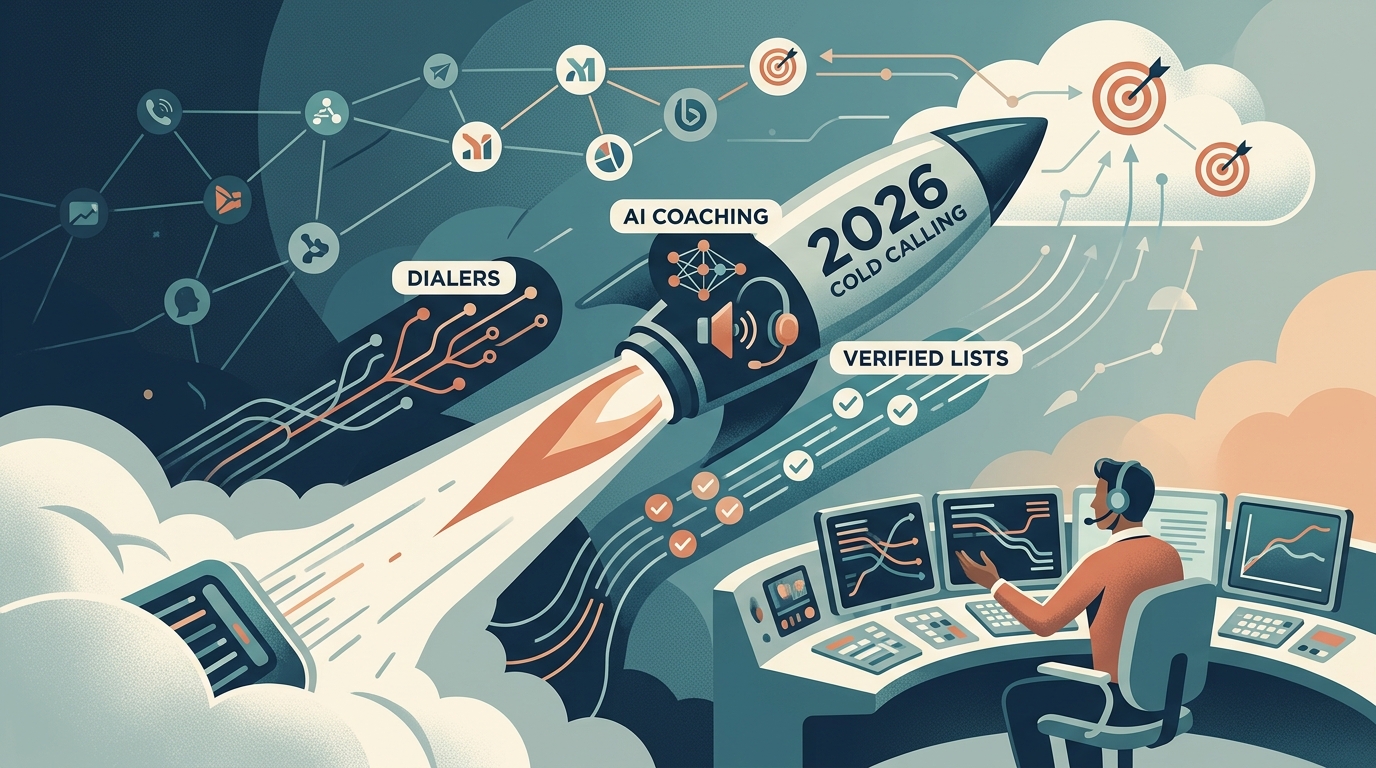
TL;DR: Cold calling software falls into five buckets — sales engagement platforms, dedicated parallel dialers, all-in-one calling suites, conversation-intelligence tools, and free entry-level dialers — each built for a different dial volume and budget. Pick based on your daily dial volume, whether calling stands alone or runs inside a cadence, and how much coaching you need. But no dialer fixes a bad list: pair whichever tool you choose with phone-verified contacts, or you’re just dialing faster into dead numbers.
Cold calling isn’t dead — it’s just unforgiving of bad tooling and bad lists. A rep making calls by hand from a spreadsheet burns most of the day on dialing, waiting, and logging notes instead of actually talking to people.
Modern cold calling software exists to flip that ratio: more live conversations per hour, less busywork, and a clear record of what happened on every call. If you’re building or upgrading an outbound motion in 2026, the dialer you choose — and the list you feed it— will make or break your connect and conversion rates.
This guide breaks down what cold calling software actually does, the main categories on the market, a head-to-head comparison of the tools most teams evaluate, how to choose the right one for your stage, and where cold calling fits alongside email and social in a modern outbound stack. At the end we’ll cover the part most buyers underestimate: your dialer is only as good as the phone numbers you pour into it.
What Cold Calling Software Actually Does
At its core, cold calling software replaces manual dialing with an automated, tracked, and coachable calling workflow: it dials for you, logs every call, and pushes the results into your CRM and coaching process. The best platforms bundle several capabilities that used to require separate point tools, from local presence to AI transcription.
- Dialers. The heart of the product. A basic click-to-call dialer lets a rep dial from the CRM with one click. A power dialer automatically moves to the next number the moment a call ends, eliminating dead time between dials. A parallel (multi-line) dialer rings several numbers at once and connects the rep to whoever answers first — tripling or quadrupling dial volume, at the cost of the occasional awkward drop when two people pick up.
- Local presence. The software matches your outbound caller ID to the area code of the number you’re calling, so a prospect in Denver sees a Denver number. Connect rates on local numbers can run 30-40% higher than toll-free or out-of-state numbers, though carrier spam-labeling has made caller-ID reputation management just as important as area-code matching.
- Call tracking and recording. Every call is logged with duration, disposition, and a recording. This is the raw material for coaching, compliance, and pipeline attribution — you can’t improve what you don’t measure.
- AI coaching and conversation intelligence. The newest layer. Speech-to-text transcription, talk-to-listen ratio analysis, keyword and objection detection, sentiment scoring, and automatic call summaries pushed back to the CRM. Some tools now offer real-time whisper prompts that surface a battle card the moment a prospect raises a specific objection.
- Voicemail drop and follow-up automation. Pre-recorded voicemails dropped with one click, plus automatic logging and task creation so no follow-up slips.
- CRM and cadence integration. Two-way sync with Salesforce or HubSpot, and the ability to run calls as steps inside a multi-channel sequence rather than as a disconnected activity.
Not every team needs every feature. A two-person startup may only need click-to-call and recording; a 40-rep SDR floor lives or dies on parallel dialing, local presence at scale, and conversation intelligence. Knowing which capabilities you actually need is the first step to not overpaying.
Before you shop for a dialer, check what you’re about to feed it. Lessie searches 100+ live sources to find decision-makers and their verified direct-dial numbers, so every dial — fast or slow — reaches someone real instead of a disconnected line.
The Cold Calling Software Landscape
The cold calling software market splits into five recognizable categories: sales engagement platforms, dedicated dialers, all-in-one calling suites, conversation-intelligence tools, and free entry-level dialers. Knowing which bucket a tool falls into keeps you from comparing a lightweight click-to-call widget against an enterprise sales-engagement suite as if they solve the same problem.
- Sales engagement platforms (Outreach, Salesloft) treat the call as one step in a multi-channel cadence. Calling is competent but rarely best-in-class; you buy these for the orchestration across email, LinkedIn, and phone.
- Dedicated dialers (Orum, Nooks, PowerDialer.ai) specialize in raw call throughput — parallel dialing, spam remediation, and AI coaching are the whole product.
- All-in-one calling suites (Aircall, JustCall, Kixie) blend a business phone system with sales dialing and light automation, popular with SMB teams that want one bill for phone and outbound.
- Conversation-intelligence-first tools (Gong, Chorus) record and analyze calls for coaching and forecasting more than they drive dialing volume.
- Free or entry-level dialers (built-in CRM dialers, and simple tools like our own free cold call tool) cover the basics for teams just getting started.
Cold Calling Software Compared
The table below compares nine cold calling tools and categories teams most often evaluate in 2026, ranked loosely from highest dial volume to lowest cost, so you can shortlist by dialer type and budget in one pass. Prices are indicative list ranges and move constantly— always confirm current pricing and volume tiers directly with the vendor.
| Tool / Category | Best for | Dialer type | Standout feature | Indicative pricing |
|---|---|---|---|---|
| Orum | High-volume SDR teams | Parallel (multi-line) | AI parallel dialing + spam remediation | $$$ (per-seat, quote) |
| Nooks | Coaching-driven outbound | Parallel + AI coach | Virtual salesfloor + call analysis | $$$ (per-seat, quote) |
| Salesloft / Outreach | Multi-channel sequences | Power dialer | Cadence orchestration across channels | $$$ (platform, annual) |
| Kixie | SMB sales + CRM sync | Power dialer | Local presence + HubSpot/Pipedrive sync | $$ (from ~$35/user/mo) |
| JustCall | Distributed SMB teams | Auto / power dialer | Business phone + SMS + AI summaries | $$ (from ~$29/user/mo) |
| Aircall | Support + sales blended | Power dialer | Cloud PBX with call routing | $$ (from ~$40/user/mo) |
| Gong / Chorus | Coaching + forecasting | Recording layer | Conversation intelligence + deal insights | $$$ (platform, annual) |
| PowerDialer.ai | Budget-conscious teams | Power / parallel | Affordable AI dialing | $ (entry per-seat) |
| Free CRM / entry dialers | Founders + first reps | Click-to-call | Zero-cost basics, no volume | Free |
The pattern to notice: none of these tools find your prospects or verify their phone numbers. They assume you already have a clean, dialable list. That assumption is where most cold calling programs quietly fail — more on that below.
How to Choose the Right Cold Calling Software
Match the tool to your daily dial volume, your existing stack, and how your reps actually sell, not to whichever vendor has the flashiest demo. Six questions cut the shortlist quickly: volume, sequencing, coaching needs, caller-ID reputation, CRM sync, and compliance. Answer these before you take a single sales call.
- What’s your daily dial volume per rep? Under ~50 dials a day, click-to-call or a power dialer is plenty. Above ~150, a parallel dialer pays for itself in recovered conversation time. Don’t buy multi-line throughput you can’t keep fed with leads — remember that even a well-run program typically connects on only 5-8% of dials, so volume without a verified list just multiplies wasted calls.
- Is calling standalone or part of a sequence? If reps also run email and LinkedIn touches, a sales engagement platform or a dialer with native cadence steps beats a standalone dialer you have to reconcile with your CRM by hand.
- How much do you care about coaching? If you’re scaling a team and ramping new reps, conversation intelligence (transcripts, talk ratios, objection tags) is worth paying for. A solo founder dialing their own leads can skip it.
- What’s your caller-ID reputation plan? Spam-labeling is the silent killer of connect rates. Prioritize tools with spam remediation, number health monitoring, and local presence done responsibly — not just area-code spoofing.
- Does it sync cleanly with your CRM? Two-way sync with Salesforce or HubSpot is non-negotiable. A dialer that dumps calls into a silo creates reporting debt you will regret.
- Compliance. In the U.S., the TCPA restricts autodialed or prerecorded calls to cell phones without prior consent, and the National Do-Not-Call Registry covers consumer sales calls (most B2B calls are exempt, but scrubbing your list is still good practice). If you call consumers or dial internationally, confirm the tool supports do-not-call scrubbing, consent tracking, and the calling regulations of your target regions before you commit.
The most expensive mistake in cold calling software is buying throughput before you have a list to feed it. A parallel dialer that rings four dead or wrong numbers per call cycle doesn’t make you faster — it makes you fail faster, while damaging your caller ID. Fix the list first, then buy the dialer that matches your volume.
How Cold Calling Fits Into Modern Outbound
Cold calling in 2026 works best as one channel in a coordinated sequence, not a lone-wolf activity. The teams getting results run calls alongside email and social touches: a call after a prospect opens an email lands very differently than a call out of nowhere. This is why many buyers pair a dialer with the rest of a modern prospecting stack — see how the pieces connect in our guides to AI for sales prospecting and automated prospecting.
The phone’s unique strength is real-time objection handling and discovery. Email scales reach; a call surfaces the truth about a deal in ninety seconds. A common high-performing pattern: use a cold email to earn awareness, call to create a conversation, and follow up on LinkedIn to stay present. For teams building this end-to-end motion — often supported by an AI BDR workflow — the dialer is the conversion engine, but discovery and list quality are the fuel.
High-Volume SDR Floor
Parallel dialer + local presence + conversation intelligence. Keep it fed with a large, verified list or the throughput is wasted.
Founder-Led Sales
Click-to-call plus recording is enough. Spend your money on finding the right 200 people, not on dialing throughput you don’t need yet.
Multi-Channel Cadence
Dialer inside a sequence platform so calls, emails, and LinkedIn touches fire in a coordinated order and log to one CRM record.
ABM / Named Accounts
Fewer dials, deeper research. Verified direct-dial numbers for a curated account list beat spray-and-pray volume every time.
A parallel dialer can burn through 300 numbers a shift, but only if those numbers are real. Lessie hands your dialer phone-verified contacts pulled from 100+ sources, so throughput turns into conversations instead of spam complaints and a burned caller ID.
The Missing Piece: A List of Verified Numbers
Every dialer on the market assumes you already have accurate phone numbers. In practice, that assumption is where most cold calling programs break down. Purchased lists go stale within months, generic databases mix in switchboard lines and disconnected numbers, and a rep who dials wrong numbers all day generates spam complaints that tank the caller-ID reputation of the entire team. The fastest way to raise your connect rate isn’t a better dialer —it’s better numbers.
This is where Lessie fits into the cold calling stack. Instead of dialing a static database, Lessie searches 100+ live sources — company sites, LinkedIn, news, professional profiles— to find the actual decision-makers who match your ideal customer profile, and returns verified contact details including direct-dial phone numbers at the moment you search, not from a cache that went stale months ago. You define who you’re trying to reach; Lessie builds the list of real people and their current numbers.
The workflow is simple: use Lessie to build a verified B2B list, export the contacts and their direct-dial numbers, then load that list into whichever dialer you chose above. Your reps spend their day talking to the right people instead of dialing dead lines, your connect rate climbs, and your caller ID stays clean because you’re not blasting junk numbers. The dialer converts; Lessie makes sure there’s someone real on the other end to convert. For more comparisons and outbound playbooks, browse the Lessie blog.
Before you blame the dialer for a slow quarter, run your list through this quick connect-rate checklist:
- Age of the list. Numbers older than 90 days carry a meaningfully higher chance of being disconnected, reassigned, or ported to a new carrier.
- Source diversity. A list pulled from one static database misses recent job changes; a list built from live, multi-source search catches people at their current number and company.
- Caller-ID health. Rotate and monitor your outbound numbers so a few days of aggressive dialing don’t get your whole block flagged as spam.
- Call timing. Local business hours, especially Tuesday through Thursday mid-morning, consistently outperform early-morning or Friday-afternoon dials.
- List-to-ICP fit. A list matched tightly to your ideal customer profile earns more attention in the first five seconds than a broad, unqualified list ever will.