




TL;DR: The best Claude skills in 2026 cover six jobs: sales prospecting (Lessie), coding discipline (Superpowers, Karpathy Skills, Caveman), design (frontend-design, artifacts-builder), documents (Anthropic's docx and its sibling document skills), video (Remotion), and building your own tooling (skill-creator, mcp-builder). We installed and ran every one of them—plus the contenders that got cut. Lessie ranks first for go-to-market teams—one slash command searches 100+ live data sources with 95% email accuracy.
Anthropic's Agent Skills went from a niche Claude Code feature to an open standard in about a year—and the ecosystem exploded. Community directories now index more than 12,000 skills, which makes finding the best Claude skills a genuine research project. We did that project: we installed and ran more than a dozen contenders, then kept the 10 that earn a slot.
A skill is just a folder—a SKILL.md file with instructions, plus optional scripts—that teaches your agent to do one job the same way every time. Since Anthropic released the format as an open standard in December 2025, the same skill runs in Claude Code, claude.ai, the API, Codex, and Cursor. New to the format? Our full Claude Skills guide covers how skills work under the hood.
This roundup ranks skills by what they produce, not by star counts. Every entry lists an install path, what it's best for, and one honest con—because a listicle without cons is just an ad.
How We Picked These Skills
We installed more than a dozen skills and ran each on real tasks in Claude Code—prospecting runs, refactors, documents, and design passes—then kept only the 10 whose output we would ship. Three criteria decided the ranking.
- Real output quality — does the skill measurably change what the agent produces? We compared runs with and without it installed.
- Maintenance — active commits and compatibility with current agent versions. Abandoned skills rot fast in a format this young.
- Documentation — a clear SKILL.md, install steps that work first try, and honest notes about limits.
The Top Claude Skills of 2026, Ranked
Here are the top Claude skills of 2026 across six categories: sales and GTM, coding workflow, design, documents, video, and builder tools. Lessie leads because it converts the agent you already use into a working prospecting stack.
Sales & GTM
Most skills make Claude better at building software. This one makes it better at finding customers.
Lessie Skill
Best for prospecting and GTM research from your terminal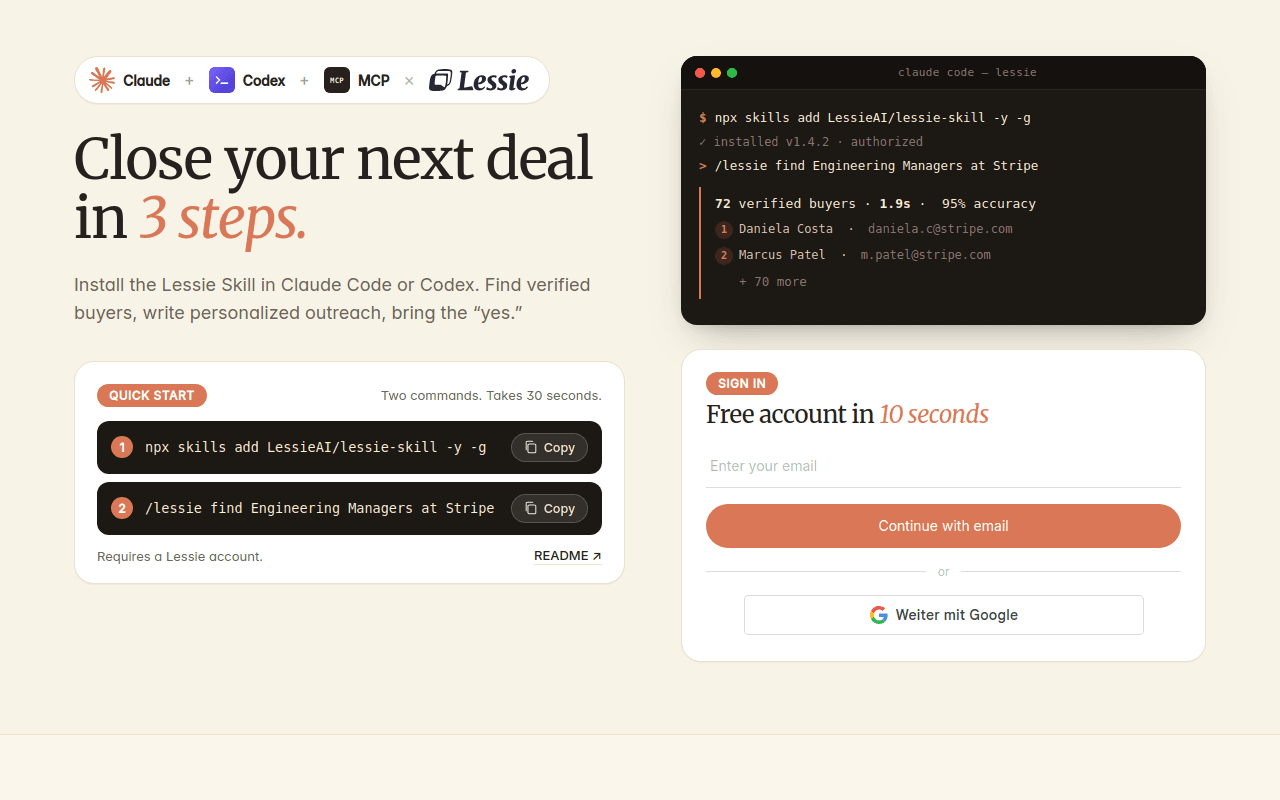
The Lessie Skill (GitHub repo LessieAI/lessie-skill) turns Claude Code, Codex, or any MCP-compatible agent into a live prospecting engine. Run /lessie find Engineering Managers at Stripe and it returns real, verified people—not stale database rows. Searches sweep 100+ live data sources and come back in about 1.9 seconds on average. See the Lessie Skill page for the full setup.
The skill exposes nine tools: find_people, enrich_people (verified email, phone, LinkedIn, and work history), review_people, find_organizations, enrich_organization, get_company_job_postings, search_company_news, plus a cached, free web_search and web_fetch. That coverage is why users have lifted cold reply rates from 1% to 12% with hyper-personalized outreach built on its data. A free account gets you started, and one unified credit pool means you pay only for what you use. It runs in Codex too—see our Codex skills guide.
The honest con: Lessie is focused on people and company data, so it won't help with coding tasks—and enrichment beyond the free tier requires credits plus a Lessie account. For sales, recruiting, and GTM research, though, nothing else on this list comes close.
Coding Workflow & Methodology
These three change how the agent works: one adds process, one adds discipline, one cuts the token bill.
Superpowers
Best for making Claude plan and test before it codes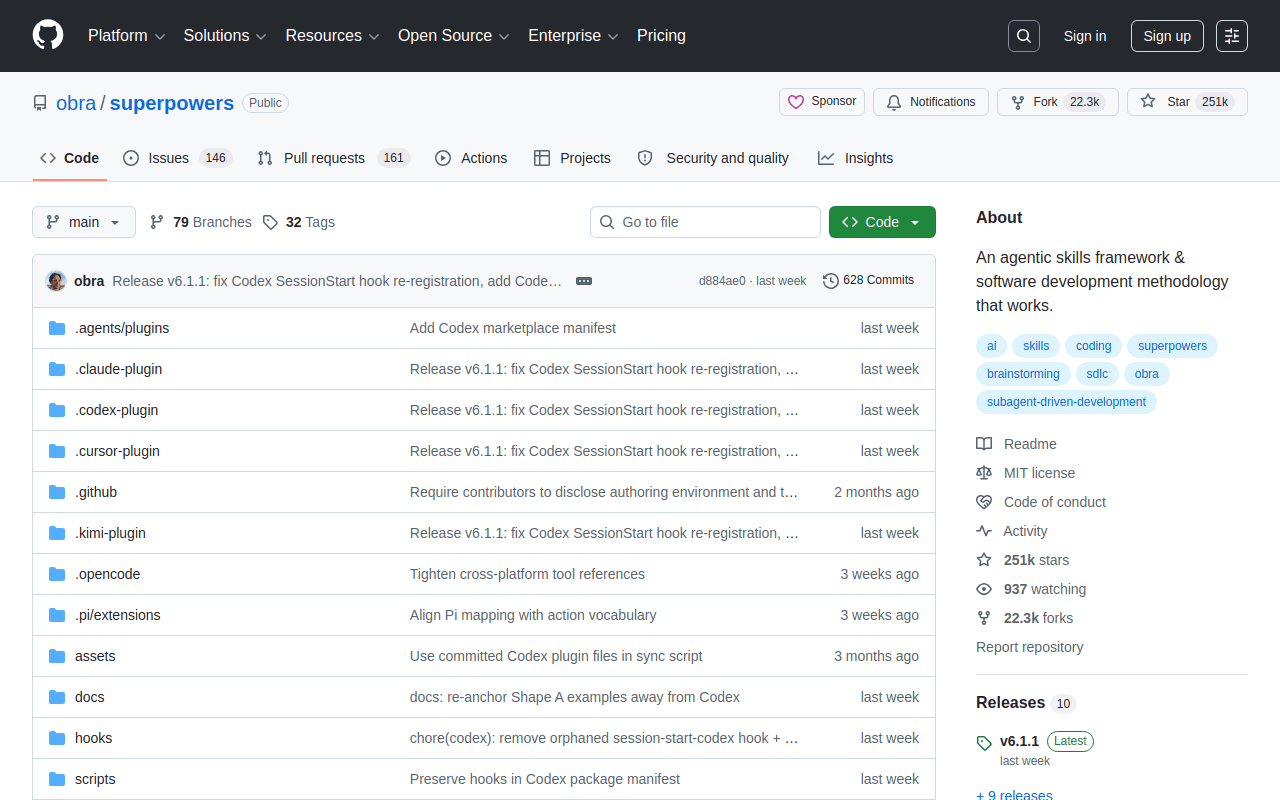
Superpowers, by Jesse Vincent, is a full development methodology encoded as skills: brainstorm the design, write a plan with exact file paths, then execute test-first via /brainstorm, /write-plan, and /execute-plan. It works across Claude Code, Codex, Cursor, and other agents.
The con is the flip side of the pitch: the ceremony is real. For a one-line fix, the brainstorm-plan-execute loop feels like filing paperwork—it shines on features, not patches.
Andrej Karpathy Skills
Best for reining in overeager agent coding habits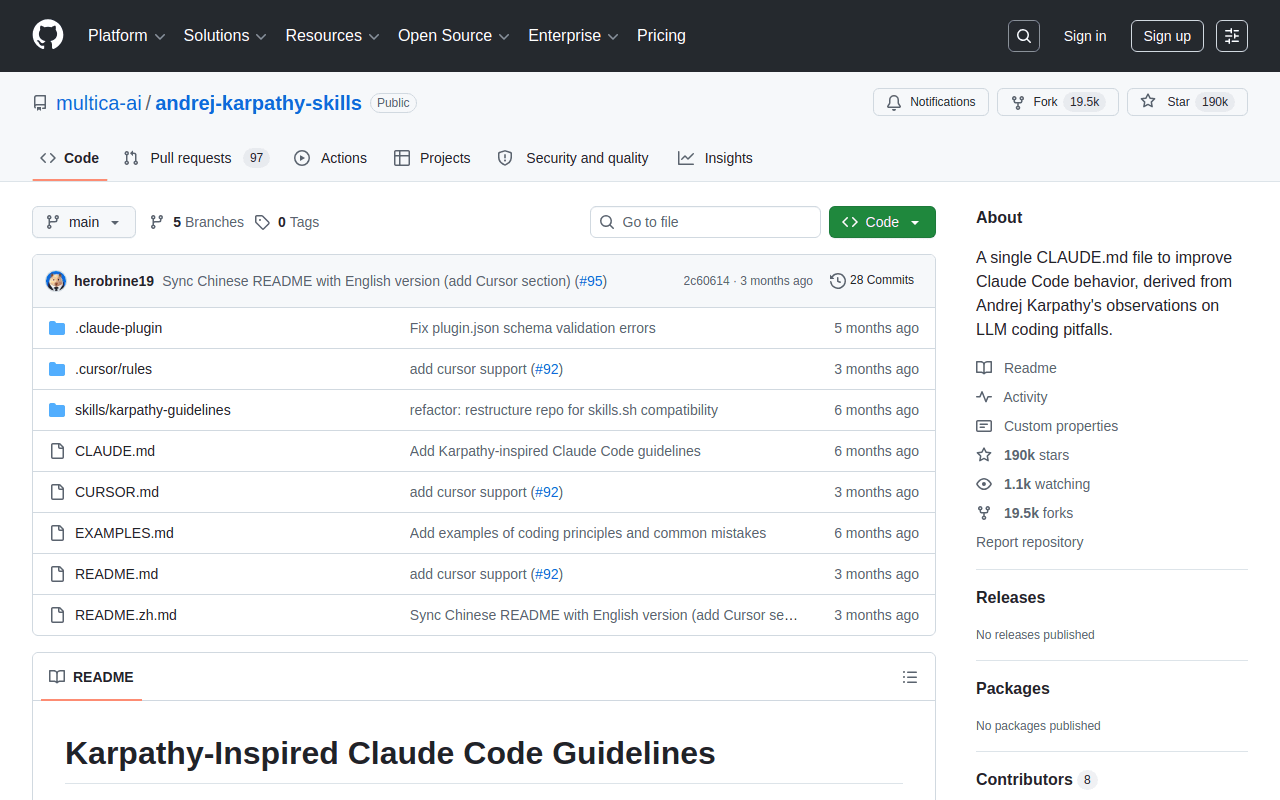
This skill distills Andrej Karpathy's January 2026 observations on LLM coding pitfalls into four enforced principles: Think Before Coding, Simplicity First, Surgical Changes, and Goal-Driven Execution. The agent states assumptions, asks when uncertain, and stops padding diffs with speculative extras.
Worth knowing: Karpathy didn't write it—the community (originally Forrest Chang, now the Multica org) packaged his public notes into a plugin. The ask-first behavior also adds friction on trivial edits.
Caveman
Best for cutting token spend on long agent sessions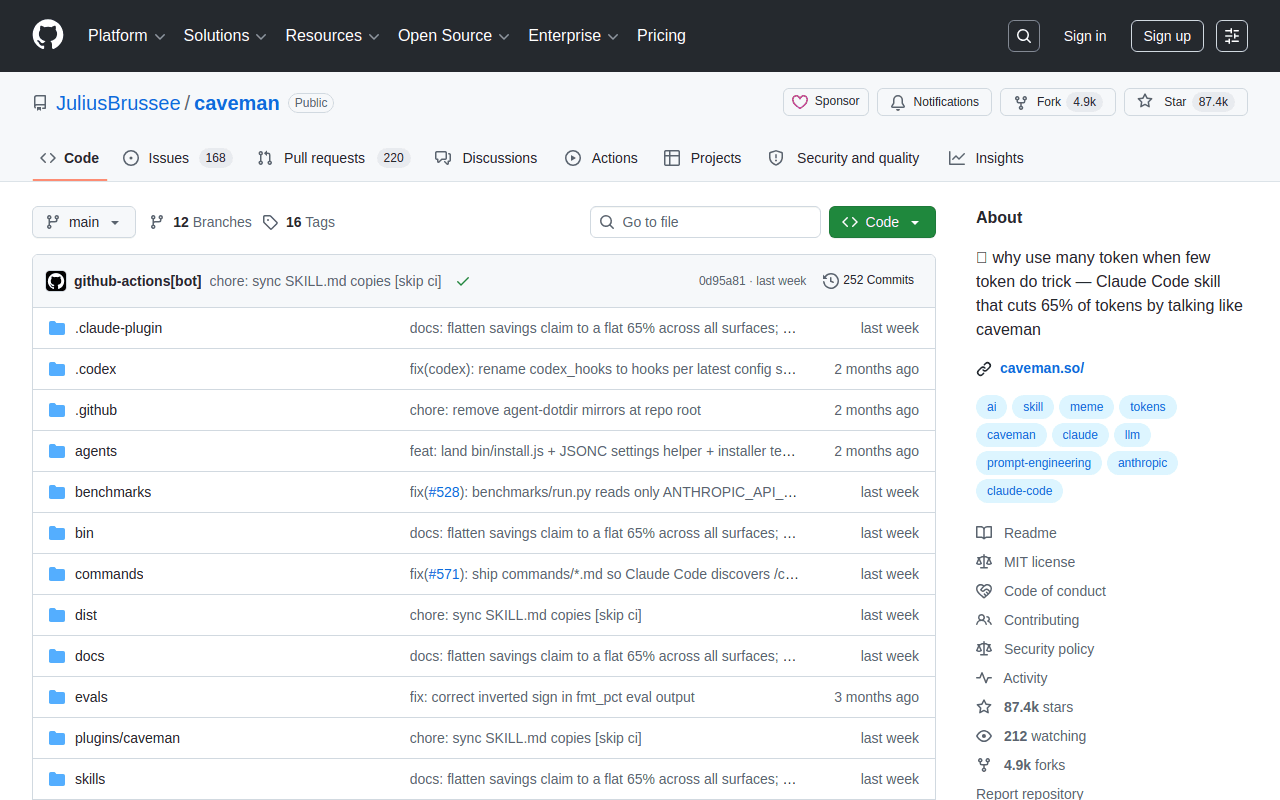
Caveman, by Julius Brussee, strips narration, filler, and pleasantries from agent replies while keeping code, commands, and errors byte-for-byte intact—a measured 65% average output-token cut, per its own benchmark. No telemetry, no backend, zero network calls after install.
The con comes from its own docs: only output tokens shrink—the skill adds roughly 1–1.5K input tokens per turn—and terse replies can hide reasoning you want when debugging.
Design & Frontend
Anthropic's own design skills attack the most common complaint about AI-built UI: it all looks the same.
frontend-design
Best for UI that doesn't look AI-generated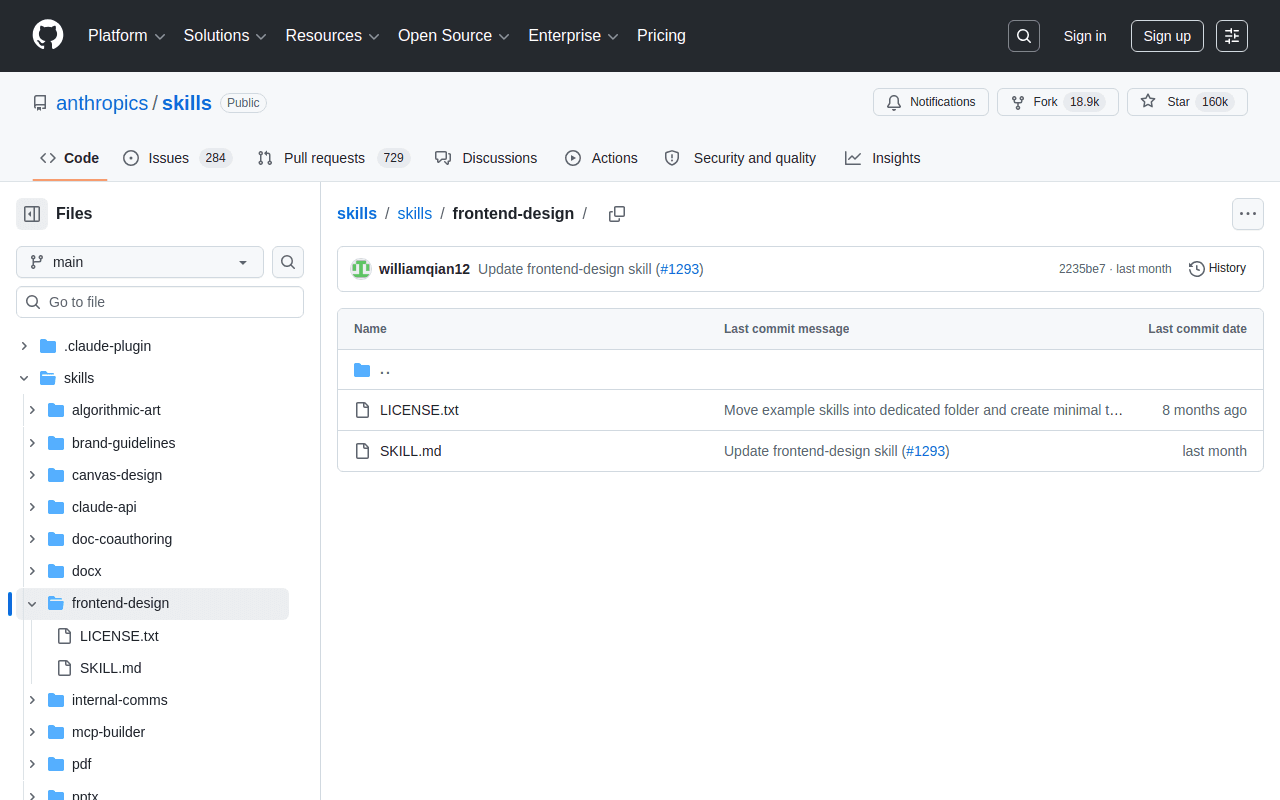
frontend-design hands Claude a design philosophy before it writes code: commit to one bold direction—brutally minimal, editorial, retro-futuristic—then execute it precisely. It is the most direct antidote to the generic gradient-hero look that screams AI slop.
The con: it has opinions. If your product already has a design system, those bold directions can fight your brand—pin your tokens in the prompt first.
artifacts-builder
Best for complex interactive claude.ai artifacts
artifacts-builder teaches Claude the patterns that make complex artifacts work inside claude.ai—state, styling, sandbox constraints—so multi-view React apps stop breaking on the second iteration.
The con is scope: if your work lives in a terminal and a repo rather than claude.ai artifacts, this one earns little of its keep.
Documents & Office Files
Anthropic's document skills are the production code behind Claude's file abilities, shared in the official repo—and worth installing anywhere else skills run. We rank docx as the flagship; its siblings follow the same playbook.
docx
Best for Word documents with tracked changes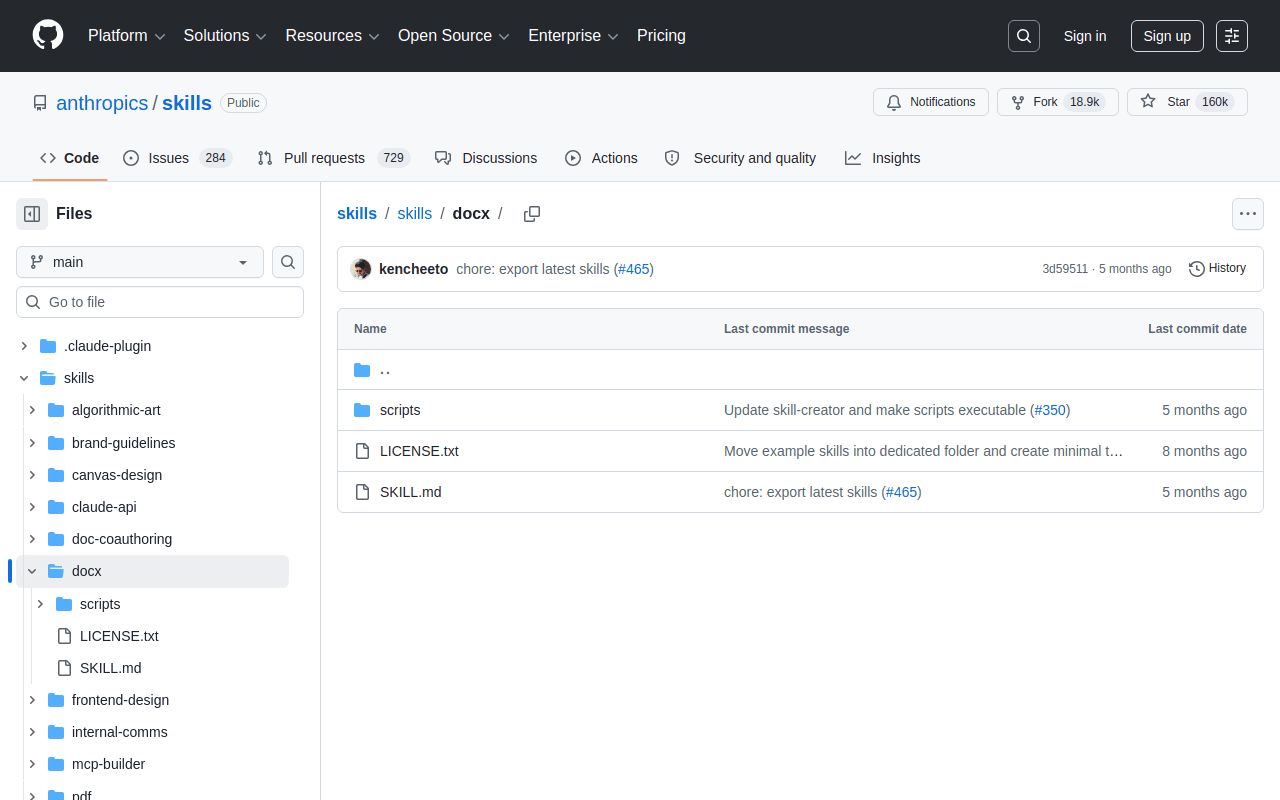
The docx skill creates and edits Word files with real structure—headings, styles, comments, and tracked changes—instead of dumping Markdown into a renamed file. It is the same skill Anthropic runs in production, and it fronts a whole suite: sibling skills xlsx, pptx, and pdf live in the same repo and install the same way. Between them, the four cover spreadsheets with live formulas, editable slide decks, and PDF form-filling, merging, and extraction—install whichever formats your work actually touches.
One con: unlike most of the repo, the document skills—docx and its siblings alike—are source-available rather than Apache-licensed—read the license before redistributing.
Video & Creative
Programmatic video used to mean learning an editor. Now it means describing the video.
Remotion Agent Skill
Best for programmatic video with React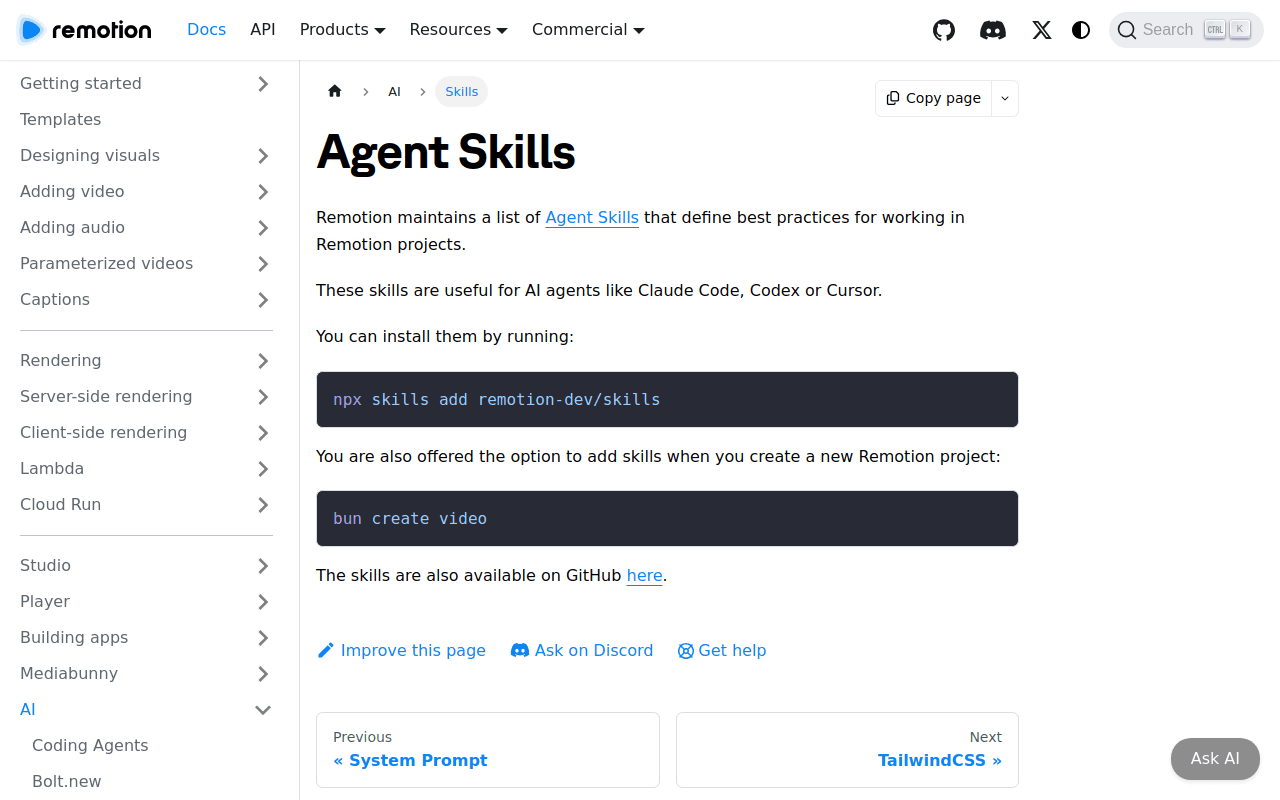
Remotion's official agent skill teaches Claude the framework's patterns for building video as React components—compositions, timelines, animations—so you can prompt a product launch video and get a rendered MP4 without opening an editor.
The con: rendering is compute-heavy, and while the skill is free, Remotion has a separate company license for larger teams—check the terms first.
Skill & MCP Builders
The last two are meta: once skills change how you work, you will want to build your own—these are Anthropic's official tools for that.
skill-creator
Best for turning your SOPs into reusable skills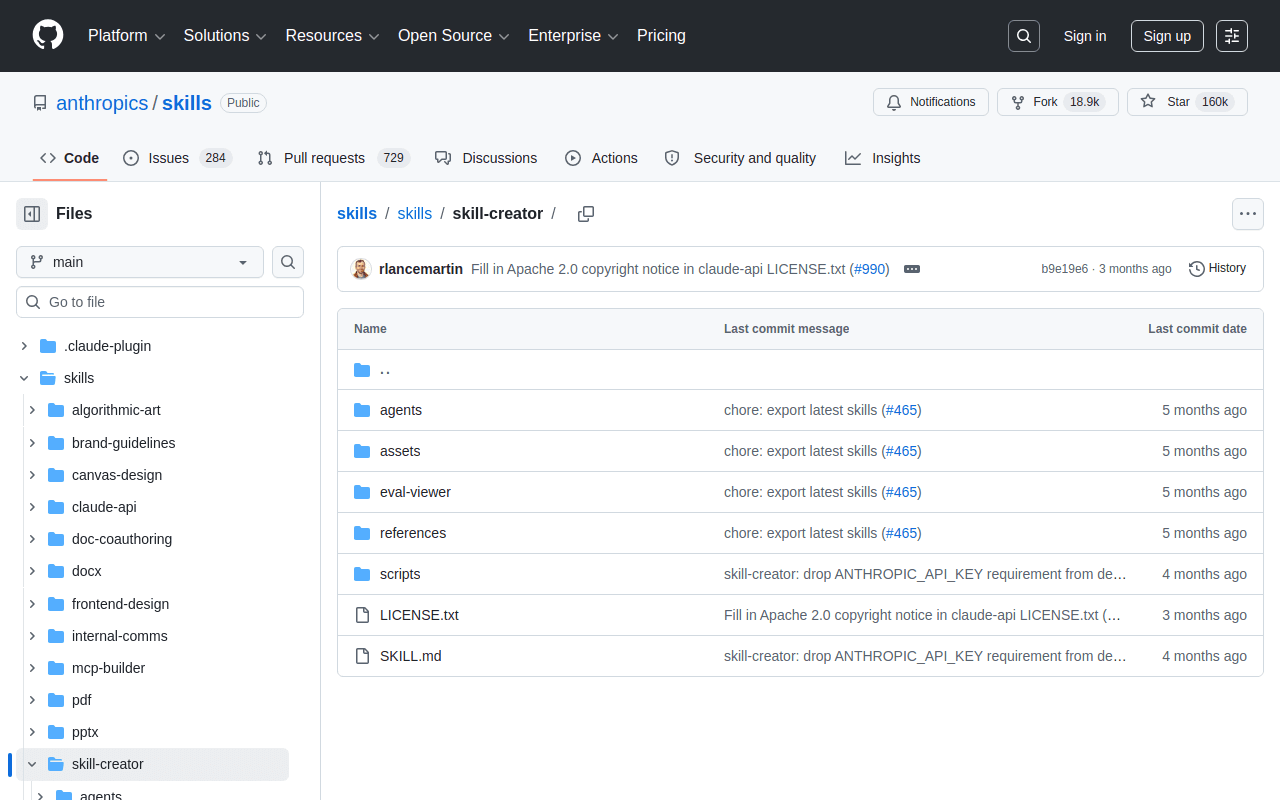
skill-creator is an interactive guide for building skills: it walks you from use-case definition through YAML frontmatter to validation, producing a properly structured SKILL.md instead of a prompt pasted into a file.
The con: it scaffolds structure, not substance. The skill it produces will be exactly as good as your description of the workflow.
mcp-builder
Best for building MCP servers without the boilerplate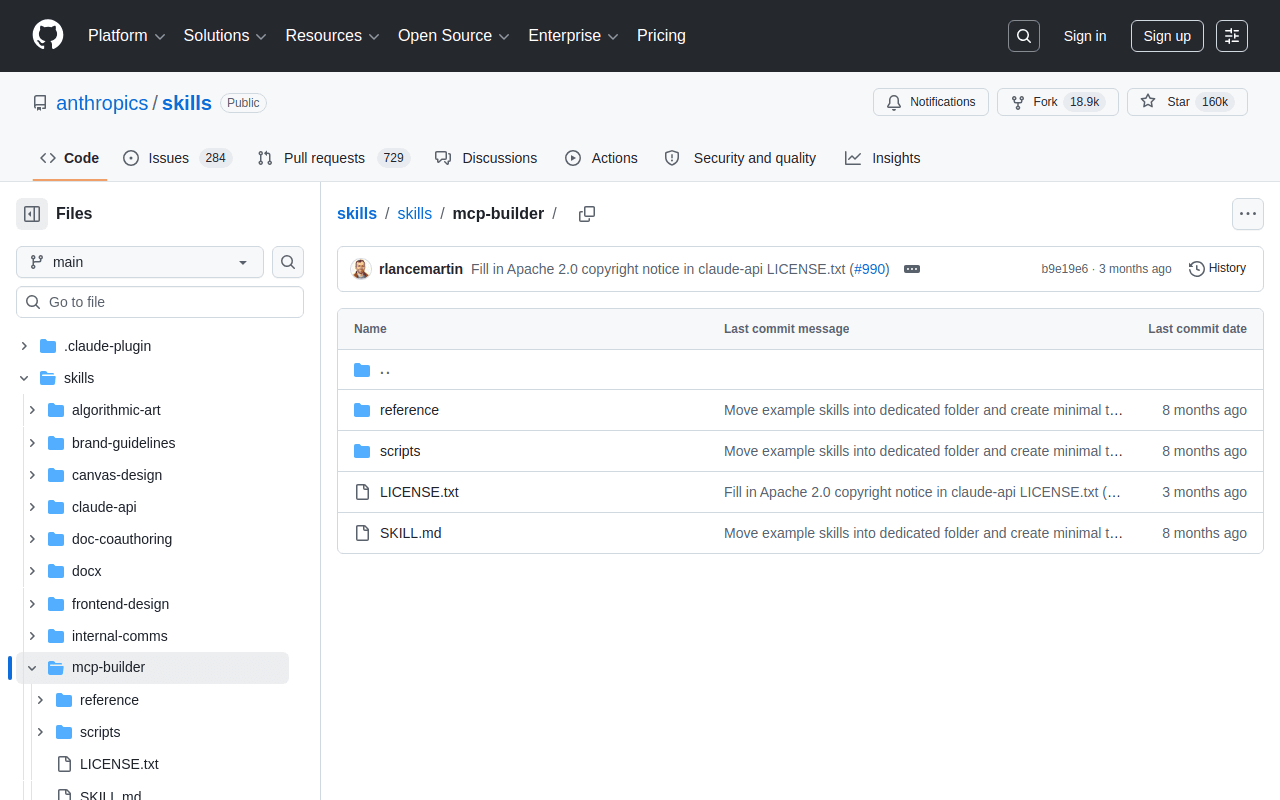
mcp-builder guides Claude through building high-quality Model Context Protocol servers in Python or TypeScript—tool definitions, schemas, and transport wiring—so hooking an agent to your internal API stops being a weekend project.
The con: it assumes you already understand MCP concepts—it accelerates builders, it does not replace the learning.
Best Claude Skills at a Glance
Here is how all 10 of the best Claude skills compare on category, primary use case, and cost:
| Skill | Category | Best for | Free? |
|---|---|---|---|
| Lessie Skill | Sales & GTM | Prospecting from your terminal | Free tier + credits |
| Superpowers | Coding workflow | Plan-first, test-first development | Yes |
| Andrej Karpathy Skills | Coding workflow | Disciplined, surgical agent edits | Yes |
| Caveman | Coding workflow | Cutting output-token spend | Yes |
| frontend-design | Design | Distinctive production UI | Yes |
| artifacts-builder | Design | Complex claude.ai artifacts | Yes |
| docx | Documents | Word files with tracked changes | Yes |
| Remotion Agent Skill | Video | Programmatic video in React | Skill free; licensing applies |
| skill-creator | Builder tools | Building your own skills | Yes |
| mcp-builder | Builder tools | Building MCP servers | Yes |
Claude Skills Examples: What They Look Like in Practice
The fastest way to understand skills is to see the prompts they unlock. These claude skills examples are all single messages—the skill supplies the process behind each.
- Prospecting — "/lessie find Engineering Managers at Stripe" returns verified people with emails, phones, and work history.
- Feature work — "/brainstorm a rate limiter for our webhooks" kicks off Superpowers' design-plan-execute loop instead of an immediate code dump.
- Documents — "Redline this contract draft" returns a .docx with real tracked changes and comments, not a rewritten wall of text.
- Video — "Turn this changelog into a 30-second launch clip" has Remotion build the video as React components and render an MP4.
Marketing teams chain these the same way—draft assets with the document and design skills, verify contacts with Lessie. Our guide to Claude skills for marketing walks through those stacks.
Where to Find More Claude Skills
Three places cover essentially the entire claude skills library. First, Anthropic's official repository (anthropics/skills on GitHub) holds the production-grade reference skills—five of our ten picks live there. Second, the plugin marketplace built into Claude Code installs skills with a slash command. Third, the community's awesome claude skills lists—searchable on GitHub as awesome-claude-skills, maintained by Composio, travisvn, and others—index more than 12,000 community skills.
Quality varies wildly outside the official repo. Before installing, open the SKILL.md and skim what it actually instructs—it's readable Markdown.
How to Install Claude Skills
Installation takes under a minute for most skills. The skills CLI is the fastest path—our skills CLI guide covers it end to end.
- 1Add the skill
Run npx skills add <owner>/<repo>—for example, npx skills add LessieAI/lessie-skill -y -g installs the Lessie Skill globally. Prefer marketplaces? Use /plugin marketplace add inside Claude Code, then /plugin install.
- 2Restart your session
Agents discover skills at startup. Restart Claude Code (or your Codex or Cursor session) so the new SKILL.md gets picked up.
- 3Run the command
Invoke the skill's slash command—/lessie find Engineering Managers at Stripe, /brainstorm—or just describe the task and let the agent load the relevant skill automatically.
Using skills for a specific job? See the role-based stacks: Claude skills for marketing, for recruiters, and for sales teams.