




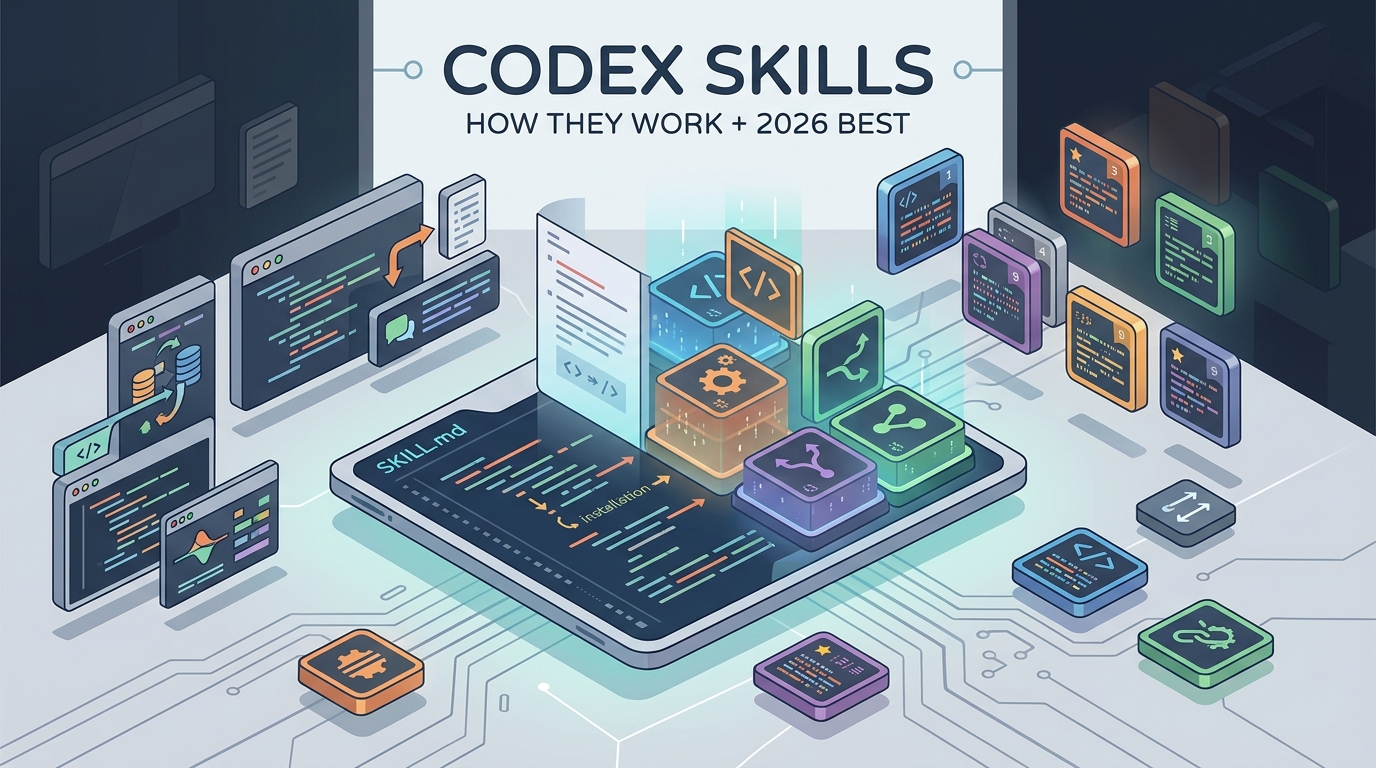
Codex skills are folders of instructions—a SKILL.md file plus optional scripts—that teach OpenAI's Codex agent to do a specific task the same way every time. Codex discovers them in .agents/skills, keeps only their descriptions in context, and activates them explicitly (type $) or automatically. Installing takes one command, and because the format is portable, most Claude Code skills run in Codex too. This guide covers how the system works, then ranks the 8 best ones to install in 2026.
Codex skills quietly became the most useful customization surface in OpenAI's coding agent. Instead of re-explaining your deploy process, your test conventions, or your research workflow in every session, you package the procedure once and Codex pulls it in whenever the task matches. The catch: the ecosystem is young, scattered across GitHub repos and community lists, and still reshuffling—OpenAI deprecated its original skills catalog in favor of a new plugins system while we were writing this.
So this post does two jobs. First, a plain-English explanation of how OpenAI Codex skills actually work as of mid-2026—verified against the current official docs, not last year's blog posts. Second, a ranked list of eight skills worth installing today, with real install commands and one honest con each.
What Are Codex Skills?
A Codex skill is a directory containing a SKILL.md file—markdown instructions with a YAML frontmatter block declaring a name and a description—plus optional scripts/, references/, and assets/ folders. It is a playbook: the description tells Codex when the skill applies, and the body tells it exactly how to execute.
The design is deliberately context-cheap. On startup, Codex loads only the list of installed skill names and descriptions, capped at roughly 2% of the model's context window (about 8,000 characters when the window is unknown). Full instructions load only when a skill actually fires. Activation happens three ways:
- Explicit mention — type
$in the CLI or IDE to mention a skill by name, or run/skillsto browse what's installed. - Implicit matching — Codex picks a skill on its own when your task matches the skill's description field. Well-scoped descriptions matter.
- In-prompt reference — name the skill directly in your request.
Codex discovers skills from four locations: .agents/skills in your repo (shared with everyone who clones it), ~/.agents/skills for your personal library, /etc/codex/skills for machine-wide defaults, and system skills bundled with Codex itself—like skill-creator for authoring and skill-installer for pulling skills from GitHub. Individual skills can be switched off in ~/.codex/config.toml.
AGENTS.md is always-on project context—loaded every session, whether relevant or not. Skills are on-demand procedures that load only when a task matches. Plugins are OpenAI's newer distribution wrapper: you author a workflow as a skill, then package it as a plugin when you want others to install it. There is no single official Codex skills marketplace yet—distribution runs through GitHub repos, community registries, and the plugins catalog.
How to Install Skills in Codex
Installation is simpler than the scattered docs suggest: a skill is just a folder, so anything that puts the folder in a discovery path works. Most Codex skills on GitHub install in under a minute with one of the routes below.
- 1Check what you already have
Run
/skillsinside Codex. System skills likeskill-installerandskill-creatorship with recent Codex versions, so the install tooling is already there. - 2Install from GitHub with the skills CLI
The open-source skills CLI supports Codex, Claude Code, and 70+ other agents:
npx skills add <owner>/<repo> -yinstalls into your project's.agents/skills/; add-gfor your personal library. Use--skill <name>to cherry-pick from a multi-skill repo. Our skills CLI guide covers the full flag set. - 3Or use the built-in installer
Inside a Codex session, type
$skill-installerfollowed by a skill name or a GitHub URL. It downloads the folder and registers it—restart Codex to pick up newly installed skills. - 4Or copy the folder manually
Clone any repo and drop the skill directory into
.agents/skills/(project) or~/.agents/skills(personal). If it has a validSKILL.md, Codex will find it. - 5Invoke and verify
Type
$plus the skill name to trigger it explicitly, or just describe the task and let description matching do the work. If a skill never fires implicitly, its description is probably too vague.
Your agent can code. Can it find customers? The Lessie Skill gives Codex, Claude Code, and any MCP-compatible agent live people search across 100+ sources with 95% email accuracy—installed with one command, free to start.
8 Best Codex Skills in 2026
The best Codex skills below were verified against the current install paths—cross-checked with community lists like awesome-codex-skills and hands-on write-ups—rather than copied from launch-week roundups. Selection bias is stated up front: #1 is our own, it's ranked first because it's the only one that extends Codex beyond code into live business data, and every entry carries an honest con.
Lessie Skill
Best for people and company data — sales, recruiting, GTM research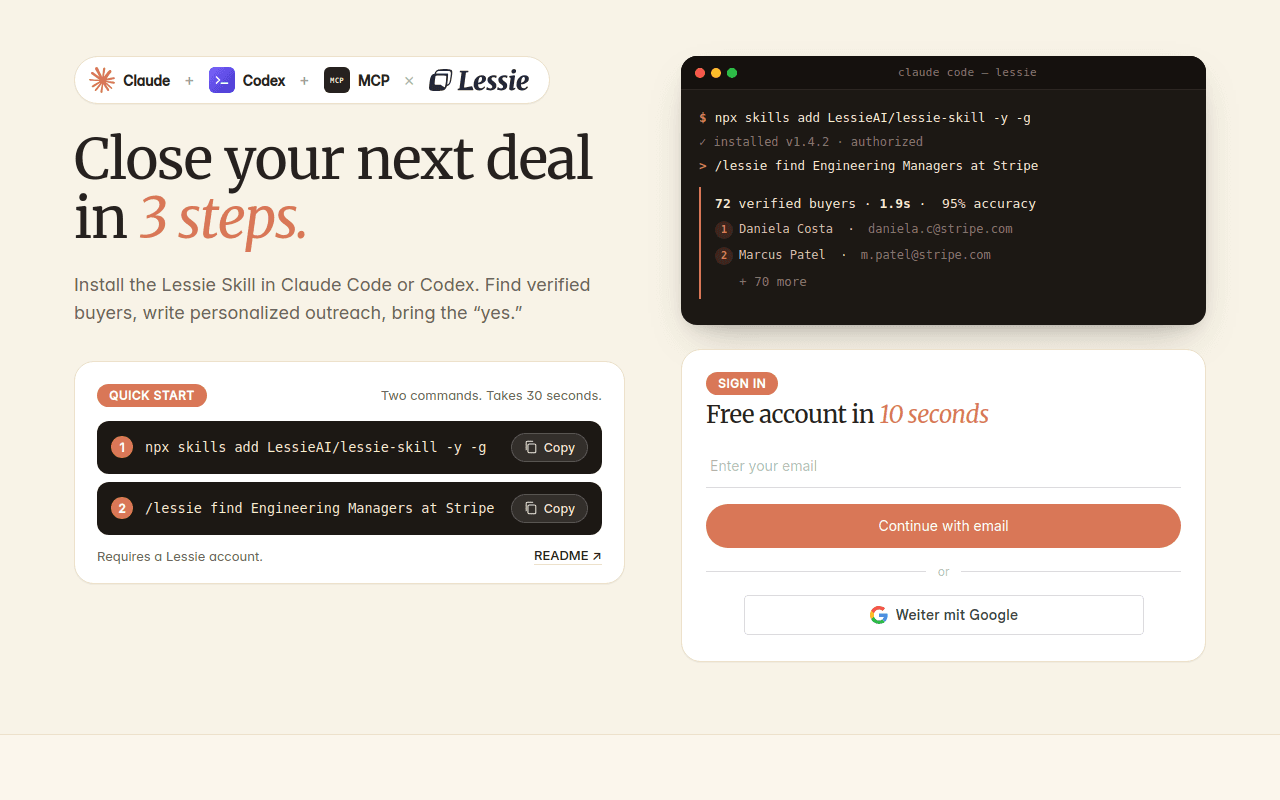
Lessie Skill is the odd one out on this list—and that's the point. Every other skill makes Codex better at building software. Lessie makes it useful for the work around the software: finding customers, candidates, partners, and the verified contact data to reach them. Type $lessie find Engineering Managers at Stripe in Codex (the same request runs as /lessie in Claude Code) and the agent searches 100+ live data sources, returning profiles in about 1.9 seconds.
Under the hood it exposes nine tools: find_people, enrich_people (verified emails and phone numbers), review_people, find_organizations, enrich_organization, get_company_job_postings, search_company_news, plus a cached web_search and web_fetch that cost nothing. Because the whole pipeline—search, enrich, verify—lives in one skill, teams using it for outbound report cold reply rates lifting from 1% to 12%. Email accuracy runs at 95%, and one credit pool covers everything. See the Lessie Skill page for the full tool reference.
Honest con: it's a people-and-company data skill, not a coding aid—if your agent never leaves the codebase, you don't need it. Enrichment calls consume credits beyond the free allocation.
Superpowers
Best for engineering process discipline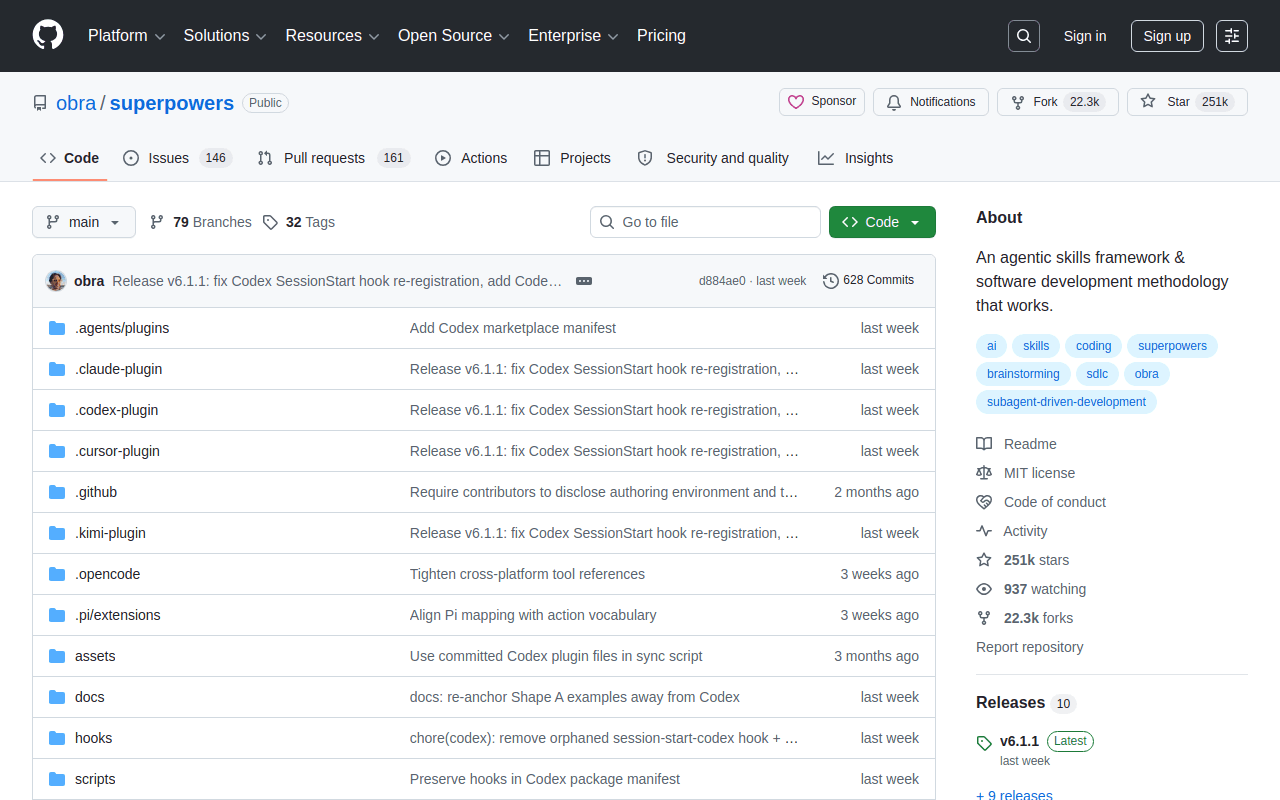
Superpowers is Jesse Vincent's collection of software-engineering process skills: brainstorming before building, test-driven development, systematic debugging, writing and executing implementation plans, and finishing a branch cleanly. Born in the Claude Code ecosystem, its skills install into Codex through the skills CLI and are a common first pick for teams that want their agent to follow a process instead of improvising one.
Honest con: it's strongly opinionated, and installing the whole collection crowds your skill list—Codex starts shortening descriptions when the skill inventory outgrows its context budget. Cherry-pick the workflows you'll use.
frontend-design
Best for UI that avoids the generic AI look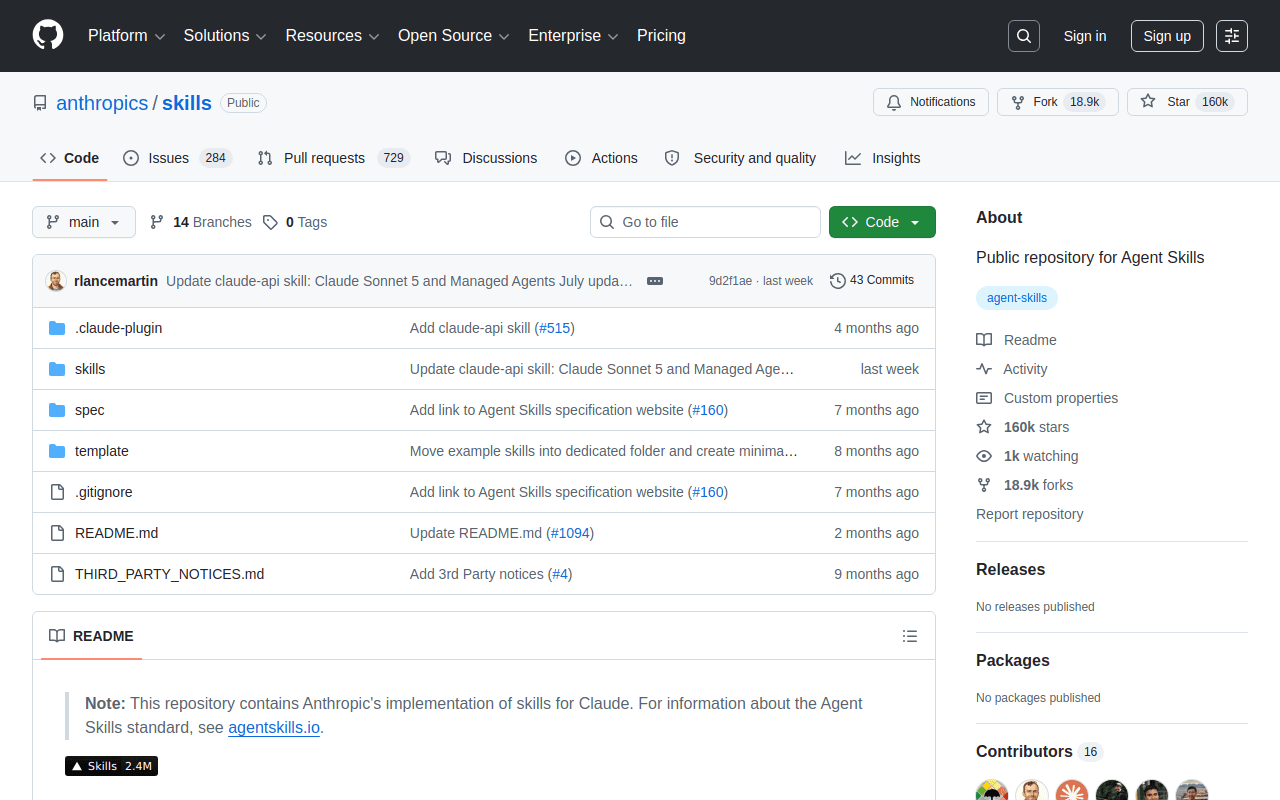
frontend-design is Anthropic's design-quality skill, and it has become a portability poster child: written for Claude, installed constantly into Codex. It steers the agent away from the generic gradient-hero, rounded-card aesthetic that screams AI-built, toward deliberate typography, spacing, and layout decisions. If your Codex output ships to real users, this is the cheapest design review you'll get.
Honest con: it pushes a strong visual point of view. On a codebase with an established design system, its opinions can fight your tokens and components.
grill-me
Best for stress-testing a plan before code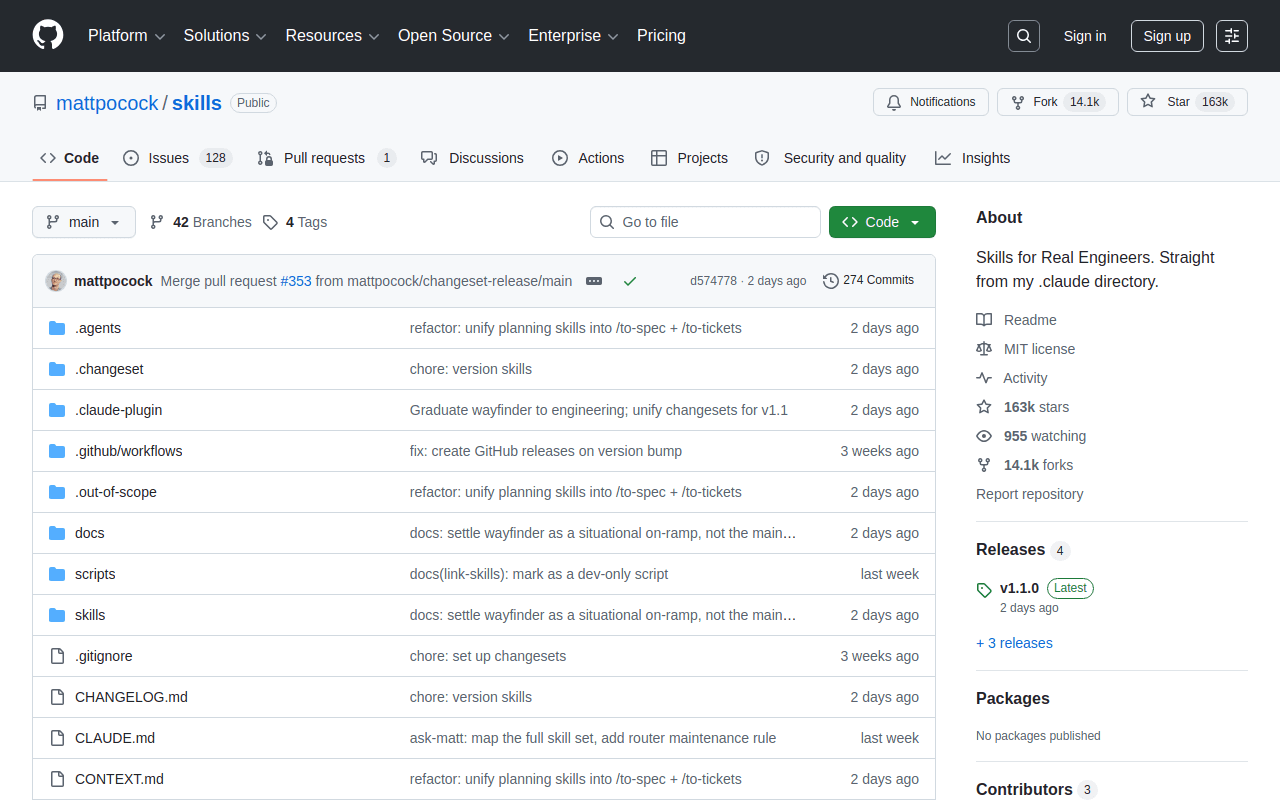
grill-me inverts the usual flow: instead of Codex executing your plan, it interrogates the plan—one pointed question at a time—until the assumptions, edge cases, and unstated requirements are on the table. The result is fewer wrong-direction builds, which on agent time scales is the most expensive failure mode there is.
Honest con: the grilling is open-ended with no fixed endpoint, which is friction you don't want on a two-line fix. Save it for work that's expensive to redo.
gh-fix-ci
Best for un-breaking GitHub Actions
gh-fix-ci comes from OpenAI's own curated set: it reads your failing GitHub Actions runs, summarizes the root cause, and implements the fix after you approve it. Its catalog siblings are worth grabbing in the same session—yeet stages, commits, pushes, and opens a PR in one motion, and gh-address-comments walks through PR review comments and applies the fixes you select.
Honest con: GitHub Actions only, and it needs an authenticated gh CLI. Note that OpenAI has deprecated the standalone catalog repo in favor of its plugins system, so expect this install path to migrate.
MCP Builder
Best for shipping production MCP servers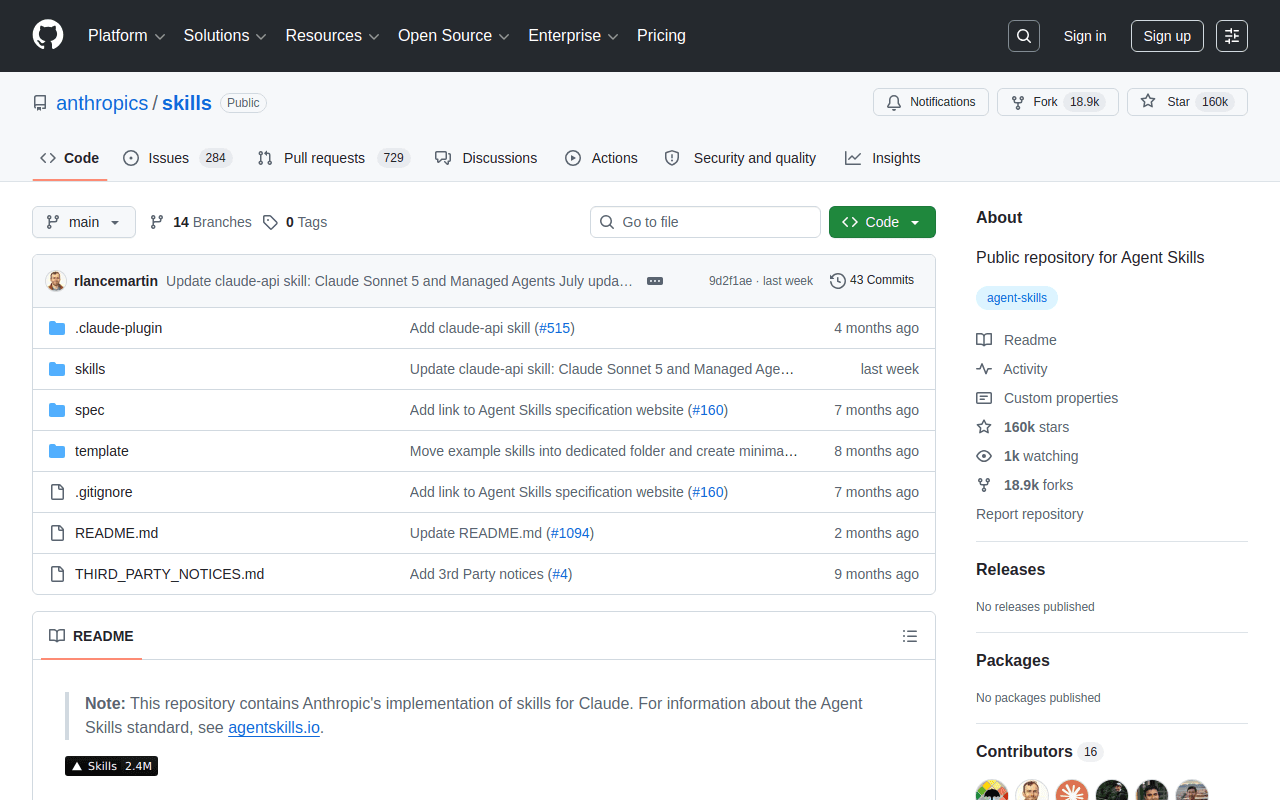
MCP Builder guides the agent through a four-phase process for building Model Context Protocol servers: research the API, implement, test, then evaluate with real calls. Since MCP is now the shared plumbing between Codex, Claude, and most other agents, a skill that produces servers which actually survive contact with production is disproportionately valuable.
Honest con: the deliberate four-phase workflow is slower than a quick scaffold. For a throwaway internal tool, it's more ceremony than you need.
handoff
Best for continuity across sessions and agents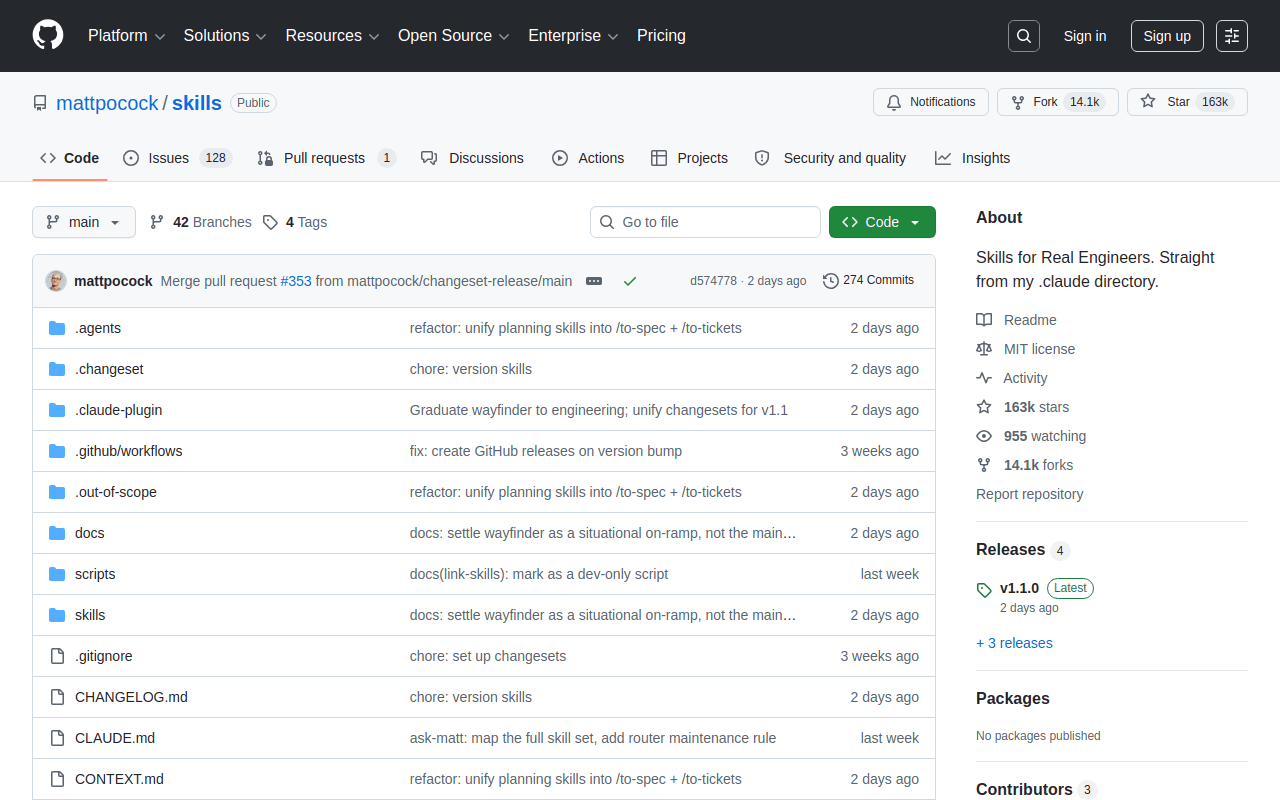
handoff solves the context-window death problem: it compresses everything that matters from the current session—decisions, state, open threads—into a markdown document a fresh session can pick up. Because the doc is plain markdown, the handoff works across agents too: start an investigation in Codex, finish it in Claude Code, or vice versa.
Honest con: the generated doc lands in a temp directory by default. If you don't commit or move it, your carefully compressed context evaporates with the OS cleanup.
Excalidraw Diagrams
Best for architecture diagrams from prompts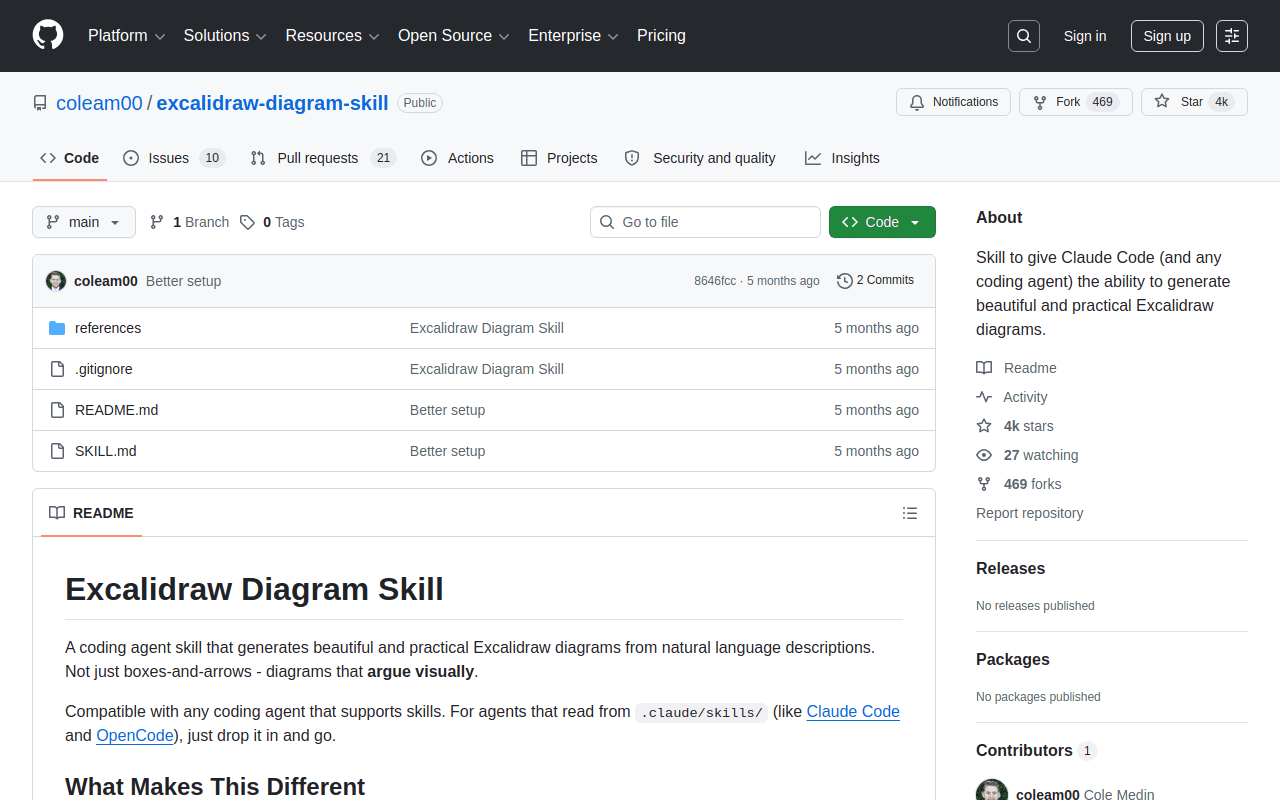
Excalidraw Diagrams turns a prompt—or the codebase Codex just read—into an Excalidraw flowchart or architecture diagram. The output being a real, editable Excalidraw file rather than a rendered image is the differentiator: the agent drafts the diagram, you drag boxes until it's right.
Honest con: it's niche unless your team already lives in Excalidraw, and complex diagrams still need manual layout cleanup after generation.
Here's the whole codex skills library at a glance—what each one is for, how it installs, and what it costs:
| Skill | Best for | Install | Cost |
|---|---|---|---|
| Lessie Skill | People & company data for GTM | npx skills add LessieAI/lessie-skill | Free to start |
| Superpowers | Engineering process discipline | npx skills add obra/superpowers | Free |
| frontend-design | Non-generic UI design | npx skills add anthropics/skills | Free |
| grill-me | Plan interrogation before code | npx skills add mattpocock/skills | Free |
| gh-fix-ci | Fixing failing GitHub Actions | $skill-installer gh-fix-ci | Free |
| MCP Builder | Production MCP servers | npx skills add anthropics/skills | Free |
| handoff | Session continuity across agents | npx skills add mattpocock/skills | Free |
| Excalidraw Diagrams | Editable architecture diagrams | npx skills add coleam00/excalidraw-diagram-skill | Free |
Seven of these skills make your agent a better engineer. One makes it a revenue tool. Lessie searches 100+ live sources for verified people and company data at 95% email accuracy—teams using it lift cold reply rates from 1% to 12%.
Codex Skills vs Claude Skills
Functionally, they are the same idea in two dialects: both agents define a skill as a folder with a SKILL.md whose frontmatter carries a name and a trigger description. Claude Code reads .claude/skills and invokes with /name; Codex reads .agents/skills and invokes with $name or implicit matching. Most skills port between them with zero or trivial edits—Anthropic's own frontend-design and MCP Builder are fixtures on Codex lists, and cross-agent installers treat both as interchangeable targets.
Practical upshot: maintain one skills library, not two. Keep skills in a Git repo and install to both agents in a single command with the skills CLI (-a codex -a claude-code). Codex adds a few platform-specific extras—an optional agents/openai.yaml, Record & Replay for drafting skills from a recorded demonstration, and plugins as the distribution wrapper—but none of them break portability. For the other side of the fence, our Claude skills guide explains the Anthropic implementation, and we keep a separate ranked list of the best Claude skills—much of which, per the above, installs in Codex unchanged.
Using skills for a specific job? See the role-based stacks: Claude skills for marketing, for recruiters, and for sales teams.