




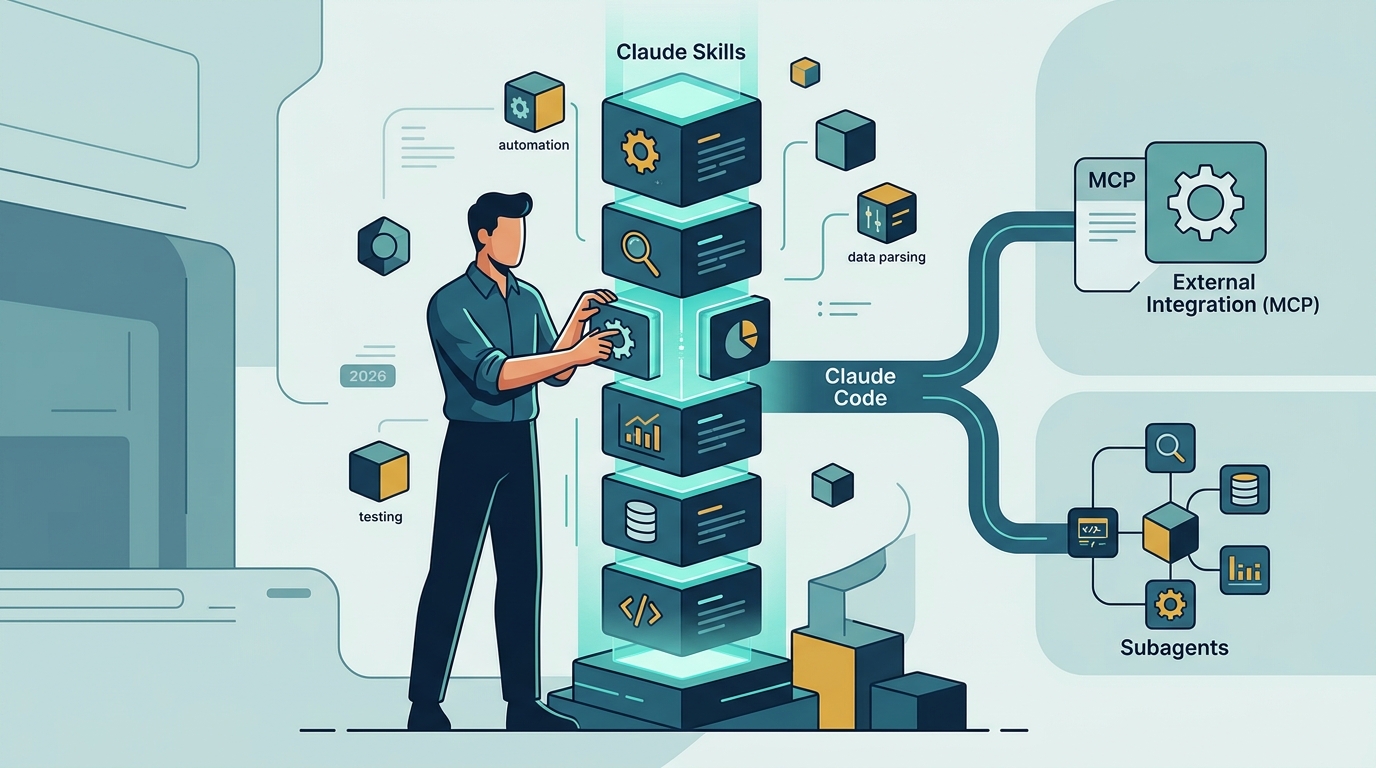
TL;DR: Claude Skills are folders of instructions, scripts, and resources that Claude discovers on its own and loads only when a task needs them. Each skill is defined by a SKILL.md file, costs almost nothing in context until activated, and runs across Claude Code, the Claude apps, Claude Cowork, and the API. This Claude Skills guide covers what skills are, how progressive disclosure works, the three ways to install skills, how skills compare to MCP, commands, and subagents, plus real examples and best practices.
Claude Skills changed how people customize AI agents. Before skills, teaching Claude your workflow meant pasting the same instructions into every conversation or stuffing a config file until it bloated the context window. Skills solve both problems: you write the procedure once, and Claude pulls it in automatically—but only when the task matches.
That one design decision is why the format spread so fast. Skills are plain folders of Markdown and optional scripts, so anyone who can write a document can write one. They work the same way in a terminal agent, a chat app, and an API integration. And because they stay out of context until needed, you can install dozens without slowing anything down.
This guide walks through the whole lifecycle: understanding the format, installing your first skill, choosing between skills and the other extension mechanisms, and writing skills that Claude reliably picks up.
What Are Claude Skills?
Claude Skills are organized folders of instructions, scripts, and resources that Claude loads dynamically to perform better at specific tasks. Every skill is built around one required file—SKILL.md—which holds a short metadata block (a name and a description) plus the full instructions for the task. That is the entire required format.
Around that core file, a skill can bundle whatever the job needs: executable scripts, templates, reference documents, checklists, or example outputs. A brand-guidelines skill might ship your logo files and tone-of-voice rules. A reporting skill might include a Python script that generates the chart the same way every time.
A concrete example makes the anatomy obvious. A quarterly-report skill might contain a SKILL.md whose description reads "Use when the user asks for a quarterly business report," instructions that specify section order and tone, a reference file holding last quarter's report as a gold standard, and a script that pulls the numbers into a formatted table. None of that is code Claude has to guess at—it is a procedure, written once, followed every time.
The clever part is progressive disclosure—the loading model that keeps skills cheap. It works in three stages:
- Discovery — at startup, Claude sees only each skill's name and description. That costs a few dozen tokens per skill, so a large library stays affordable.
- Activation — when your request matches a skill's description, Claude reads the full SKILL.md instructions into context.
- Execution — Claude follows the instructions, opening bundled reference files or running bundled scripts only if the task actually requires them.
Skills are also portable across the Claude ecosystem. The same folder format runs in Claude Code (filesystem-based, no upload needed), the Claude apps on web and desktop (where pre-built skills already power document creation, and custom skills can be added in settings), Claude Cowork (Anthropic's agentic workspace for non-developers), and the Claude API and Agent SDK, where a dedicated skills endpoint gives developers programmatic control and versioning. Build a skill once and it travels with you.
How Do Claude Skills Work?
Claude Skills work through description matching: the model itself decides when a skill is relevant, loads it, and applies it—no manual triggering required. If you ask Claude to "draft outreach for these 20 leads" and an outreach skill's description mentions cold email, Claude activates it on its own.
That is the default, model-invoked path, and it is what separates skills from older customization tricks. But skills can be user-invoked too. In Claude Code, every skill also registers as a slash command, so typing /skill-name forces it to run. Frontmatter switches let authors tune this behavior—for example, disabling automatic invocation for a destructive workflow so it only fires when a human explicitly calls it.
Here is the full flow on a real request. You type "build me a prospect list of heads of RevOps at Series B fintechs." Claude scans its skill metadata, finds a prospecting skill whose description mentions ICP and lead lists, and reads the full instructions. Those instructions tell it which search filters to apply, how to verify contact data, and what format the output takes. Total overhead before that moment: one line of metadata sitting quietly in context.
Knowing how to use Claude Skills day to day is refreshingly boring: you mostly just ask for the outcome. Three properties make the system scale where prompt libraries never did:
- Composability — skills stack. One request can activate a data-analysis skill, a brand-voice skill, and a spreadsheet skill together, each contributing its piece of the workflow.
- Token efficiency — until activated, a skill costs only its one-line metadata. Compare that with a monolithic instructions file that burns context in every single session whether it is relevant or not.
- Determinism where it counts — bundled scripts let a skill do fragile steps (date math, file conversion, API-shaped output) in real code instead of asking the model to improvise them each time.
How to Install Claude Skills
There are three verified ways to install Claude Skills: through a plugin marketplace, with the open-source skills CLI, or by dropping a folder into your skills directory. If you have been searching for how to add skills to Claude Code, any of the three works—they differ in convenience and in how much you trust the source.
- 1Install from a plugin marketplace
In Claude Code, run
/pluginto open the plugin browser. The Discover tab lists plugins—many of which bundle skills—from the official Anthropic marketplace. To add a community marketplace, run/plugin marketplace add owner/repowith a GitHub repository, then install from its listings. Installed skills become available in your session without a restart. - 2Use the open-source skills CLI
The
npx skillsinstaller (skills.sh) treats GitHub as a package registry for skills—no separate account needed. One command installs and configures a skill for your agent. A real worked example:npx skills add LessieAI/lessie-skill -y -ginstalls the Lessie buyer search skill globally and non-interactively. Runnpx skills findto discover more, or see our skills CLI integration page for agent-by-agent setup. - 3Add a skill folder manually
Create a folder containing a SKILL.md file in
~/.claude/skills/for personal skills available in every project, or in.claude/skills/inside a repository for project skills your whole team gets via git. This is also how you install skills downloaded from GitHub: unzip, drop the folder in, and ask Claude to confirm it sees the skill.
Whichever route you take, verify the install the same way: start a fresh session and ask Claude what skills it can see, or type / and look for the skill's slash command in the list. If a skill never activates on its own, the description is usually the culprit—it is the only text Claude reads when deciding relevance, so it has to mention the words you actually use when asking.
Outside Claude Code, installation is even simpler: in the Claude apps you enable skills in settings and add custom ones there, while API users upload skills once and reference them by ID in requests. The folder format is identical everywhere, so a skill you test locally ports to production without edits.
Claude Skills vs MCP, Commands, and Subagents
The short version: skills package knowledge and procedures, MCP provides live connections to external systems, slash commands are user-invoked shortcuts, and subagents are parallel workers with their own context. They are complements, not competitors—mature setups use all four.
| Mechanism | What it is | Who triggers it | Best for | Context cost |
|---|---|---|---|---|
| Skills | Folder of instructions, scripts, and resources (SKILL.md) | Claude, when the task matches; or you, via slash command | Procedures, expertise, repeatable workflows | Near zero until activated |
| MCP | Open protocol connecting Claude to external tools and data | Claude, whenever it needs the connected system | Live data, APIs, databases, third-party services | Tool definitions loaded while the server is connected |
| Slash commands | Prompt shortcut invoked by name (now merged into skills) | You, explicitly | Frequent manual actions you want on demand | Loaded only when called |
| Subagents | Separate agent instance with its own context and tools | Claude delegates, or you request one | Parallel or isolated work that would pollute the main thread | Own context window; returns only a summary |
Claude Skills vs MCP. A skill can teach Claude your qualification criteria, but it cannot reach a live database at runtime—that is MCP's job. MCP, introduced by Anthropic in late 2024, standardizes connections to external systems the way USB-C standardized ports; skills standardize the know-how for using them. The two combine naturally: MCP fetches the data, a skill dictates what to do with it. If you need live LinkedIn people data, for example, see our LinkedIn MCP guide.
Claude Skills vs commands. Claude Code originally kept commands and skills as separate systems; they have since merged, and a Markdown file in either location produces the same slash-command interface. Skills are the recommended format going forward because they support bundled files, frontmatter controls, and—crucially—model invocation. A command waits for you to remember it; a skill volunteers.
Claude Skills vs agents. A subagent is a worker; a skill is a manual. Subagents shine when work should run in parallel or stay out of your main context—a research sweep, a code review. Skills shine when the main agent just needs to know how. The patterns nest: a subagent can load skills, and a skill can instruct Claude to delegate to subagents.
A practical rule of thumb for choosing: if the problem is "Claude does not know how we do this," write a skill. If it is "Claude cannot see the data," add an MCP server. If you keep typing the same request, invoke the skill directly as a slash command. And if the work is too big for one context window, hand it to a subagent. Most production setups in 2026 quietly run all four together.
Claude Skills Examples & Use Cases
The best Claude Skills examples share one trait: they encode a procedure someone used to repeat by hand. Here are five patterns already working in production across sales, documents, engineering, and marketing—for a full ranked list, see our best Claude Skills roundup.
- Sales and GTM prospecting — the Lessie Skill runs a complete outbound workflow from the terminal: find verified buyers matching your ICP across 100+ live sources, enrich them with role and company context, then draft personalized outreach—with 95% email accuracy. Teams using this signal-personalized approach have lifted reply rates from around 1% to 12%.
- Document production — Anthropic's own document skills (docx, pptx, xlsx, and pdf) are what let Claude produce properly formatted Word files, slide decks, and spreadsheets. They are open source and a masterclass in bundling scripts for deterministic output.
- Frontend design — Anthropic's frontend-design skill pushes Claude past generic AI styling toward distinctive, production-grade interfaces. Teams fork it and graft on their own design tokens.
- Marketing content operations — brand-voice skills encode tone rules, banned phrases, and formatting so every draft lands on-brand. Our Claude Skills for marketing guide covers the full stack, from SEO briefs to campaign reporting.
- Internal SOPs and reviews — teams package release checklists, security review steps, and data-handling rules as project skills in
.claude/skills/, so the procedure ships with the repo and every teammate—human or agent—follows the same one. - Recruiting and talent search — the same buyer-search mechanics apply to candidates: a sourcing skill encodes your qualification bar and search strategy, so a hiring manager can ask for "senior backend engineers open to contract work" and get a vetted shortlist instead of raw keyword matches.
Notice the split: some skills add capability (documents, buyer search), others add judgment (brand voice, review checklists). Most teams end up wanting both, which is exactly what composability is for. A single afternoon workflow can chain three of the examples above: the Lessie Skill builds the list, a brand-voice skill drafts the outreach, and the document skills package the results into a deck for Monday's pipeline review.
Claude Skills Best Practices
Claude Skills best practices come down to three disciplines: write skills that trigger reliably, keep them lean enough to stay cheap, and treat third-party skills with the same caution as any code you execute. The details:
- Make the description do the work. The description is the only thing Claude sees before deciding to activate a skill. Name the task, the triggers, and the keywords a user would actually say—a vague description is a skill that never fires.
- Keep SKILL.md focused on one job. One skill, one workflow. When the file grows unwieldy, split details into referenced files and trust progressive disclosure to load them only when needed.
- Review third-party skills before installing. Skills can include executable scripts, and instructions themselves can steer an agent in ways you did not intend. Read the SKILL.md and every bundled script—or have Claude summarize them—before granting them a place in your workflow.
- Pin your sources. Install from repositories you trust, prefer maintained publishers over drive-by forks, and re-review after updates. Treat a skills marketplace like a package registry, because that is what it is.
- Version control project skills. Skills in
.claude/skills/ride along with your repo: changes get code review, history, and rollback like any other file. That audit trail is your safety net when a workflow misbehaves. - Iterate from real transcripts. When Claude misapplies a skill, the fix is usually one clarifying line in the instructions. Skills reward the same tight feedback loop as prompts—except you fix the problem once, permanently.