





TL;DR: Claude Cowork is Anthropic's agentic app for general knowledge work—you hand it an outcome, and it works in the background across desktop, web, and mobile. Claude Cowork skills are what make it genuinely useful: portable folders of instructions that teach the agent your workflows. Skills install in about a minute—from the built-in directory under Customize, or by uploading your own—and plugins bundle skills with connectors and sub-agents. This guide covers installation, the best skills for business users, and when to use Cowork versus Claude Code.
Out of the box, Cowork is a strong generalist. With the right Claude Cowork skills installed, it becomes a specialist: an agent that builds spreadsheets the way your finance team does, formats decks to your brand, and researches prospects with live data instead of guesses. The gap between "impressive demo" and "does my actual job" is almost entirely a skills question.
The catch is that Cowork is new—it launched in January 2026—and the vocabulary around it (skills, plugins, connectors, sub-agents) is still settling. This guide sorts it out with what Anthropic actually documents, so you can set up a working skill stack today.
What Is Claude Cowork?
Claude Cowork is Anthropic's agentic product for general knowledge work—essentially the agent harness behind Claude Code, repackaged for people who don't live in a terminal. Anthropic pitches it as "the work behind your best work": you give Cowork an outcome, it splits the project into chunks that run in parallel, works while you're in meetings or away from your desk, and asks for input only when a decision needs you.
Cowork launched as a desktop app in January 2026 and expanded to web and mobile (in beta) in July 2026, with desktop builds for macOS, Windows, ChromeOS, and Linux. It is included on every paid Claude plan—Pro (about $20/month), Max 5x and 20x ($100–$200/month), Team, and Enterprise. There is no free tier for Cowork itself; plans differ in usage limits, not features.
Who is it for? Mostly not developers. In Anthropic's own analysis of 1.2 million Cowork sessions (reported in July 2026), business process operations—reports, checklists, spreadsheets—made up 33.4% of usage and content creation another 16.4%, while software development was just 8.7%. Anthropic has said more than 90% of Cowork usage isn't software work. Ops, sales, legal, finance, and recruiting teams are the core audience—which is exactly why the skills you install matter so much.
Do Skills Work in Claude Cowork?
Yes. Skills are a first-class feature in Claude Cowork, and Anthropic's help center documents skill support across every plan tier, plus Claude Code and the API. A skill is a folder containing a SKILL.md file—plain-language instructions, optionally with scripts and resources—that Claude loads automatically when a task matches. The format is open and portable: the same skill file works in the Claude apps, Cowork, and Claude Code.
So where do Claude Cowork plugins fit? In Anthropic's terminology, a plugin is a bundle: it packages skills, connectors (pre-built integrations with tools like Gmail, Slack, or your CRM), and sub-agents into a single installable package. Skills are individual capabilities; plugins are ready-made roles. A skill might be "format quarterly reports our way"—a plugin is closer to "a sales research assistant with the skills, data connections, and sub-agents already wired together." Notably, sub-agents inside plugins run only in Cowork, not in regular Claude chat.
Practical rule: install a skill when you want one specific capability or want to write your own rules; install a plugin when someone has already packaged the whole workflow. Both live in the same in-app directory—Anthropic ships one browsing surface for skills, connectors, and plugins—and both are available on all paid plans.
How to Add Skills to Claude Cowork
Learning how to use Claude Cowork productively starts here: installation takes a minute or two per skill, and there are two documented routes—the built-in directory for published skills, and a manual upload for custom or third-party ones.
- 1Open the skills directory
In Cowork, click Customize in the left sidebar, then the + button, and browse the Skills tab. This is the same directory that lists connectors and plugins, so you can assemble your whole stack in one place.
- 2Install with one click
Click Install on any skill. Installed skills appear under Customize > Skills and are enabled by default—Claude applies them automatically whenever a task matches their description. No configuration files, no terminal.
- 3Upload custom or third-party skills
For skills that aren't in the directory—your own, or ones distributed on GitHub—go to Customize > Skills and use the upload option to add the skill file directly. Uploaded skills stay private to your account; on Team and Enterprise plans, admins can also provision skills org-wide.
- 4Invoke skills as you work
Type / in Cowork to see every installed skill and call one by name, or just describe the task naturally—Claude recognizes when a skill applies and uses it without being asked.
- 5Reuse the same skill in Claude Code
Because the format is portable, one skill can serve both surfaces. In Claude Code, a single command like npx skills add LessieAI/lessie-skill -y -g installs a published skill globally—see the skills CLI guide for how that works.
One honest caveat: Cowork is evolving fast, and menu labels may shift between releases. The flow Anthropic documents today—directory install or custom upload, both under Customize—is the reliable mental model even if a button moves.
Best Skills to Use in Claude Cowork
The best Claude Cowork skills for business users cover the deliverables you actually ship: contact lists, spreadsheets, decks, documents, and on-brand visuals. Here are six worth installing first—for a deeper tour across every category, see our roundup of the best Claude skills.
Lessie Skill
Best for people and company data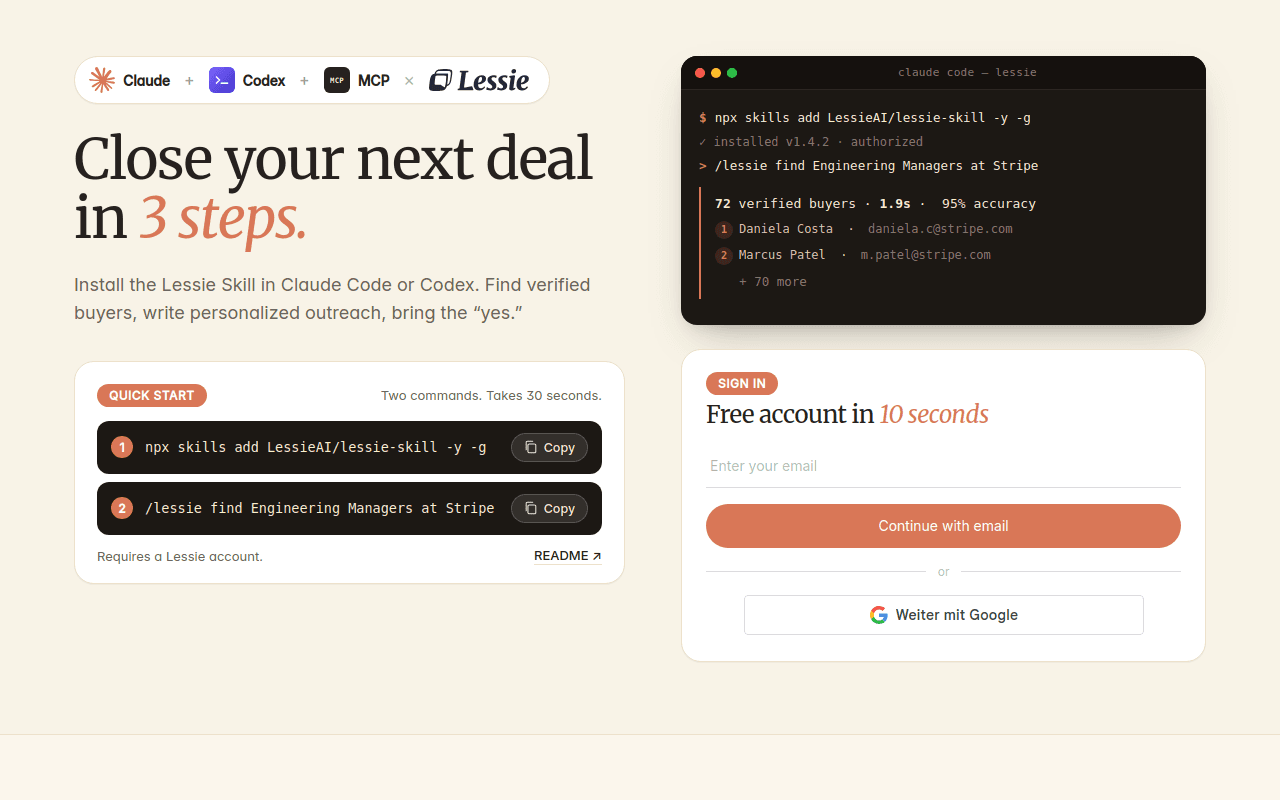
Lessie Skill connects your agent to live people and company intelligence—the data layer Cowork's business audience needs most. It exposes nine tools, including find_people and enrich_people for prospect and candidate search, find_organizations and enrich_organization for account research, plus get_company_job_postings, search_company_news, and general web search and fetch.
In practice, that means a sales rep can ask Cowork to "find 30 VPs of Engineering at Series B fintechs and verify their emails," a recruiter can source candidates with real profiles instead of hallucinated names, and an analyst can pull hiring and news signals on a target account—all inside one session. Searches run across 100+ live sources in about 1.9 seconds, emails are verified to 95% accuracy, and teams using signal-based outreach with it report reply rates lifting from roughly 1% to 12%.
The honest trade-off: it is focused on people and company data—it won't format your slides—and enrichment consumes credits, with a free tier to start and a one-command install that works in Claude Code and any skills-compatible agent, with the same SKILL.md uploadable to Cowork.
Excel Skill (xlsx)
Best for spreadsheets and models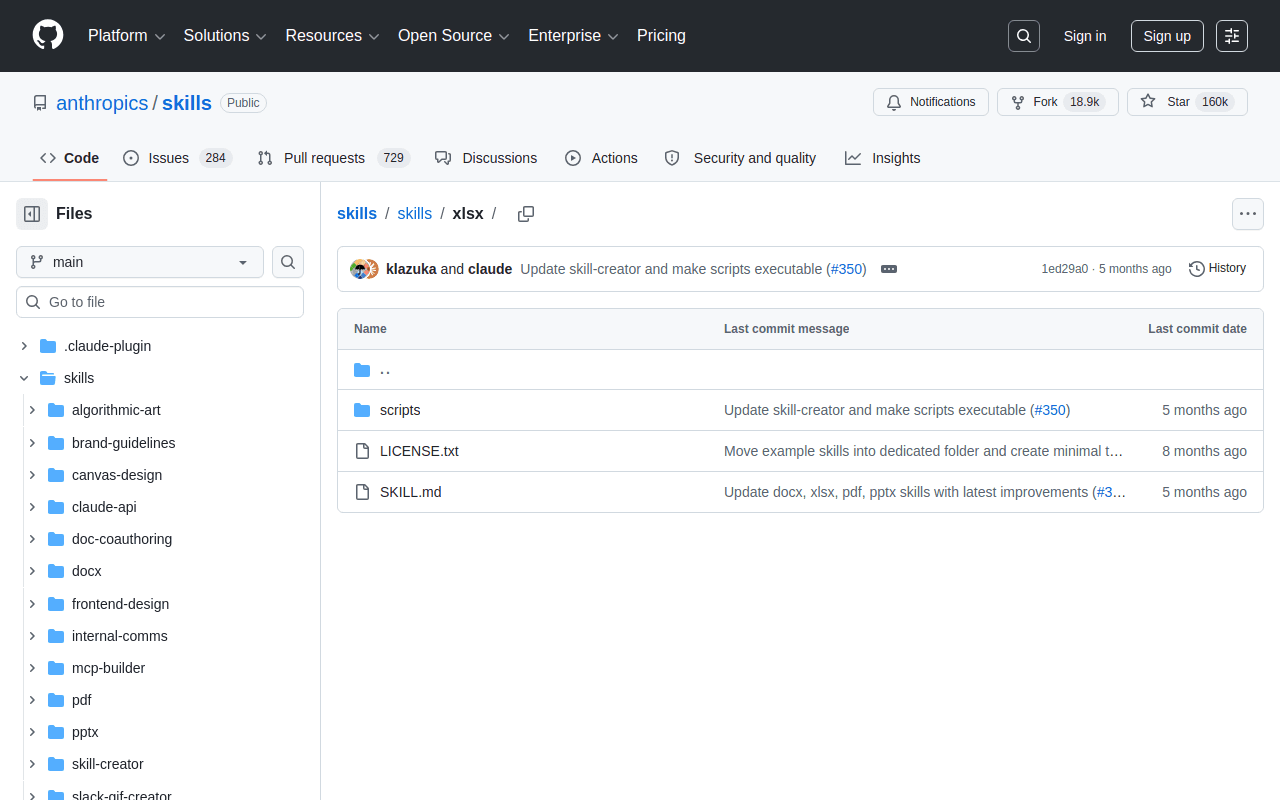
Excel Skill is Anthropic's own spreadsheet skill, and it activates automatically whenever a task involves .xlsx files. It reads, writes, and restructures real workbooks—formulas, multiple sheets, formatting—rather than emitting CSV approximations. Given that reports, checklists, and spreadsheets are the single biggest Cowork use category, this is the skill most business users exercise daily without realizing it.
PowerPoint Skill (pptx)
Best for decks and presentations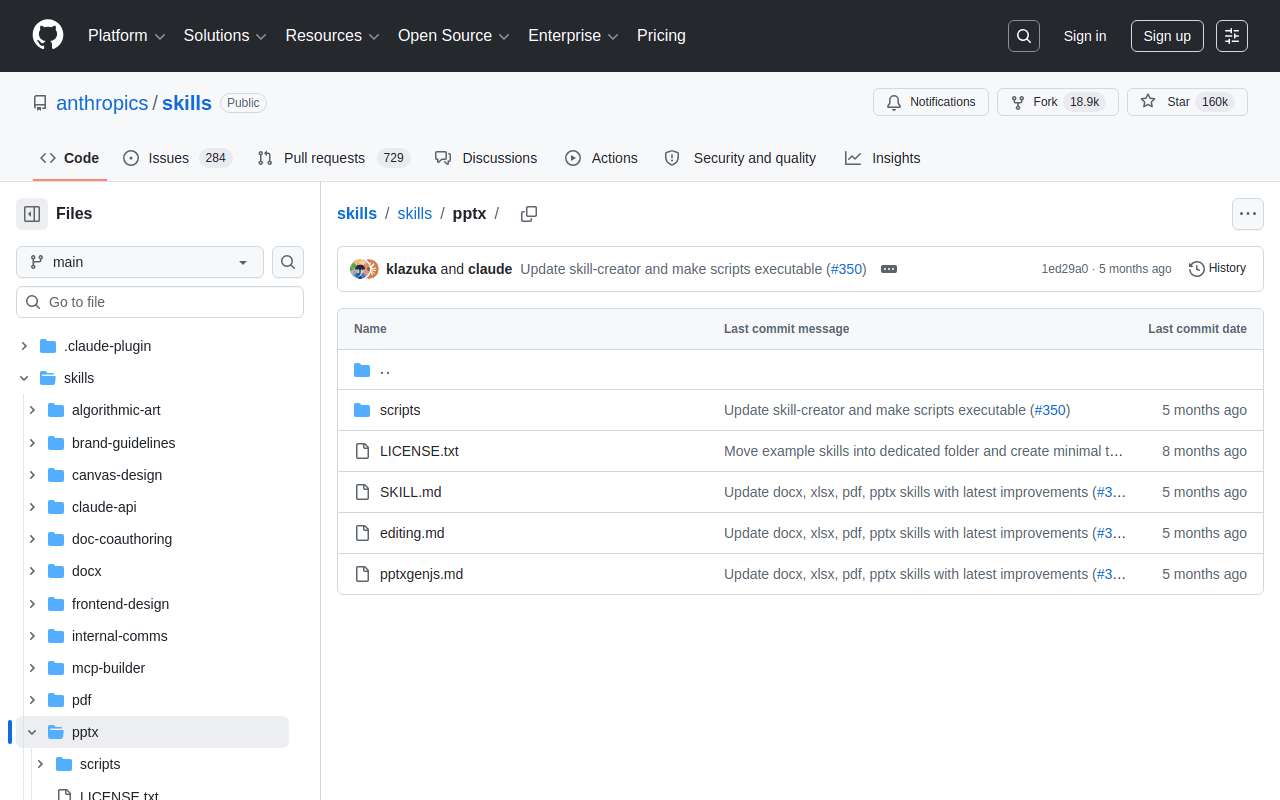
PowerPoint Skill turns an outline or research session into a native .pptx deck—and, just as usefully, edits existing ones: swapping slides, applying templates, and updating speaker notes. Paired with a research skill, it closes the loop from "find the data" to "deck for tomorrow's meeting" in a single Cowork task.
PDF Skill
Best for contracts and document processing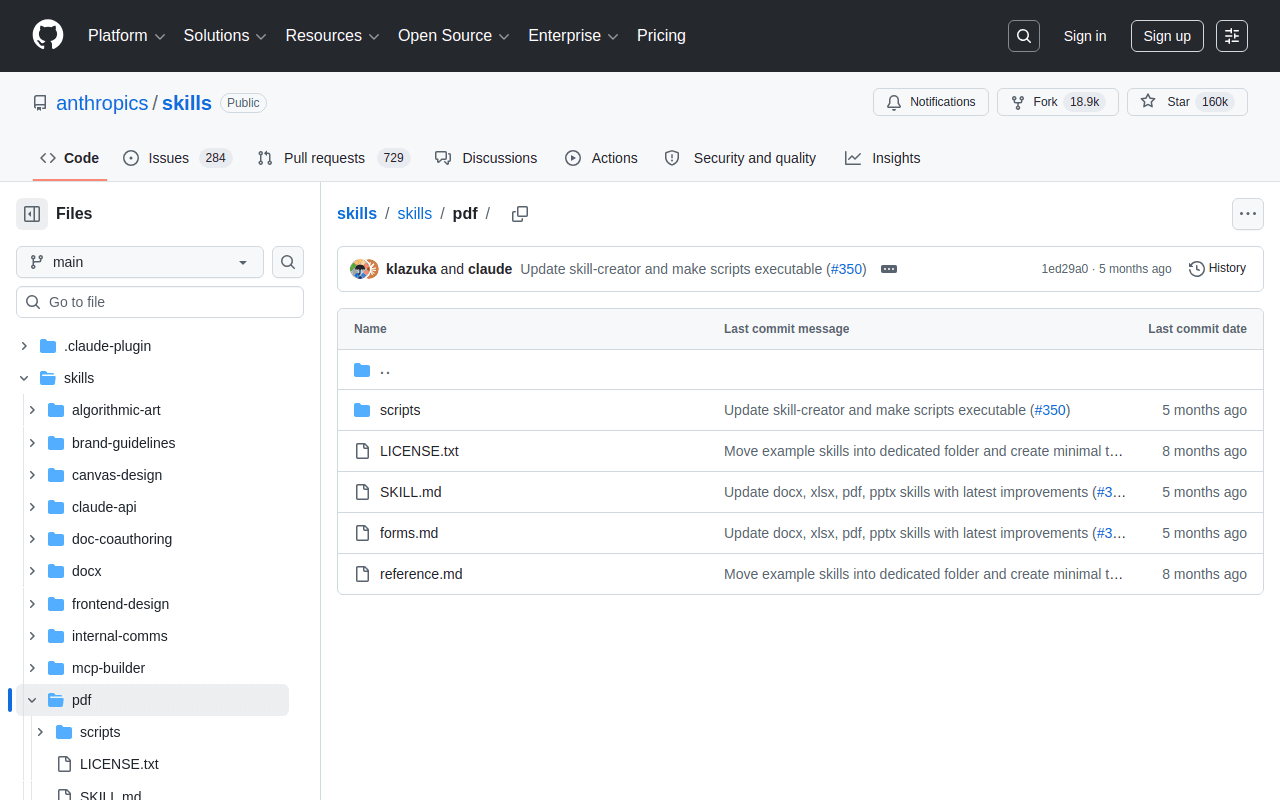
PDF Skill handles the format most business paperwork actually arrives in: extracting structured data from stacks of PDFs, merging and splitting files, and generating polished PDF deliverables. Contract review and NDA triage are among the workflows Anthropic highlights for Cowork, and this skill is the workhorse behind them.
Word Skill (docx)
Best for documents with tracked changes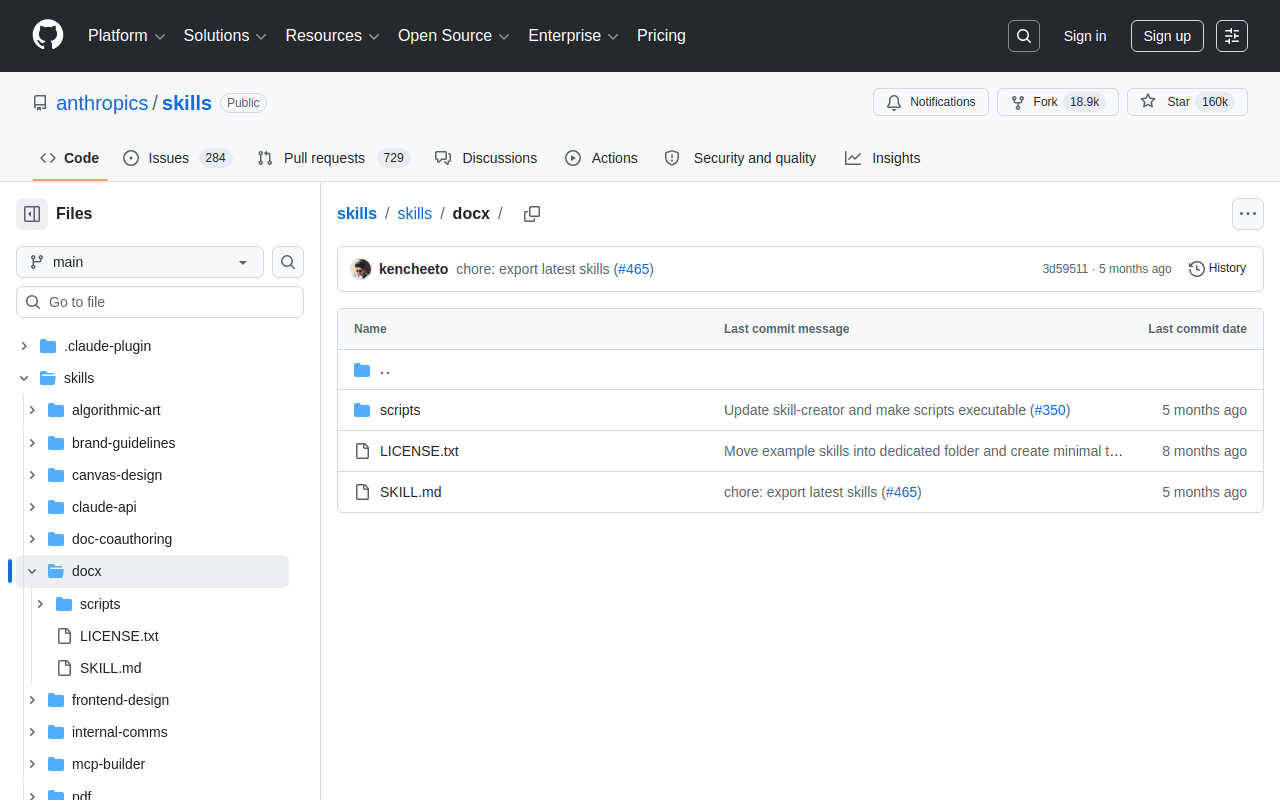
Word Skill creates and edits .docx files while respecting the formatting your organization already uses—styles, headers, tables. For proposal and policy work where the deliverable must open cleanly in Microsoft Word on someone else's laptop, this beats copy-pasting from a chat window every time.
Canvas Design Skill
Best for on-brand visual assets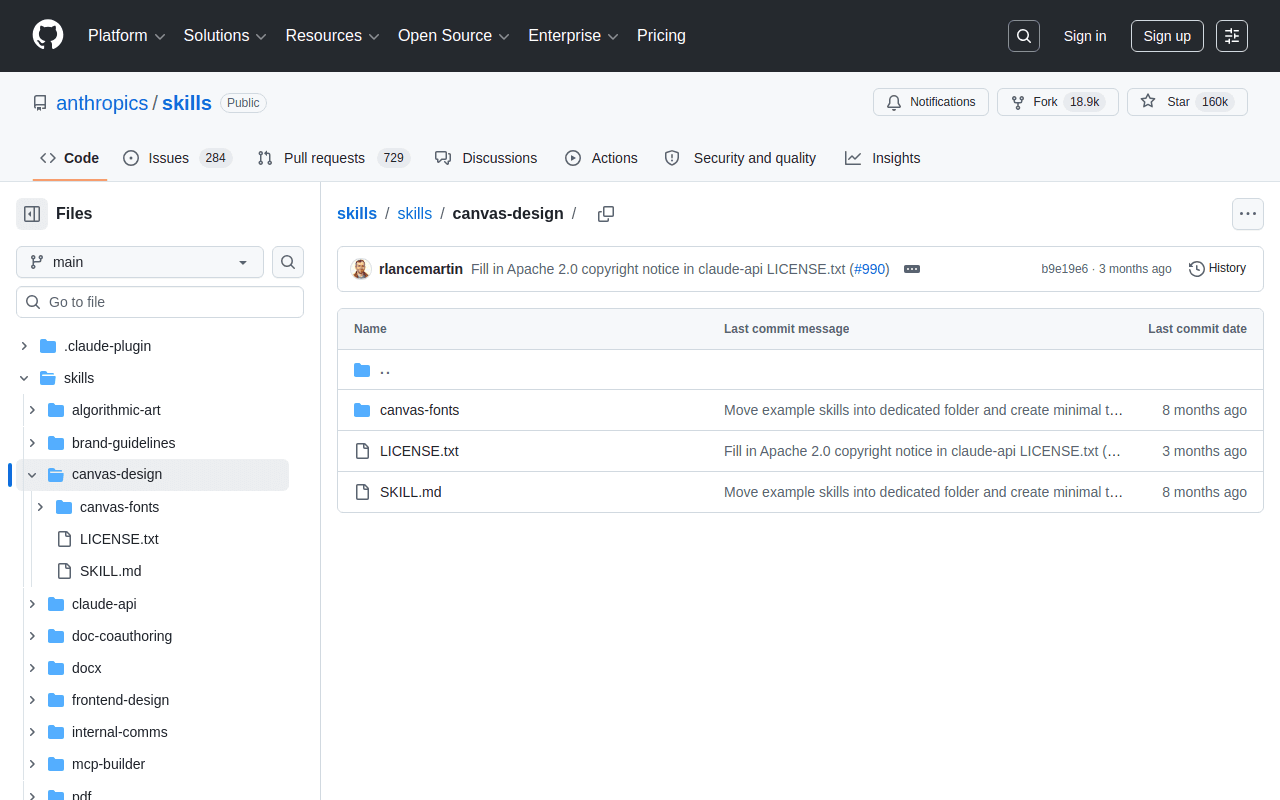
Canvas Design Skill comes from Anthropic's open skills repository and gives the agent a repeatable process for producing visual assets—layouts, graphics, visual summaries—instead of ad-hoc images. Combine it with the companion brand-guidelines skill and Cowork's output starts looking like your marketing team's work rather than a generic template.
Claude Cowork vs Claude Code: Which One for Skills?
Same engine, two surfaces. In the Claude Cowork vs Claude Code question, the skill format is identical—what differs is who each product is built for and how skills get installed. Claude Code lives in the terminal and IDE for people who ship software; Cowork wraps the same agentic core in a guided app for people who ship documents, decks, and decisions.
| Dimension | Claude Cowork | Claude Code |
|---|---|---|
| Built for | Business users: ops, sales, legal, finance, recruiting | Developers and technical teams |
| Interface | Desktop, web, and mobile app—no terminal | Terminal and IDE integrations |
| Skill install | One-click from in-app directory, or upload under Customize | Skill folders or CLI (npx skills add ...) |
| Plugins | Bundles of skills + connectors + sub-agents from the directory | Plugin marketplaces managed from the CLI |
| Best at | Documents, spreadsheets, research, cross-app busywork | Codebases, refactors, tests, automation scripts |
| Plan requirement | Any paid Claude plan (Pro, Max, Team, Enterprise) | Paid Claude plans or API access |
The practical guidance: if you write code, you likely want both—Code for the repo, Cowork for everything around it. If you never touch a terminal, Cowork alone covers you, and the skills ecosystem built for Claude Code carries over because the format is shared. For the fundamentals of how the format works under the hood, our Claude Skills guide goes deeper.
Claude Cowork Use Cases
What do Claude Cowork use cases look like once skills are installed? Four patterns come up constantly among business teams—each one a task you can hand off today.
Sales prospecting. With the Lessie Skill installed, Cowork researches a target account—news, hiring signals, tech hints—then finds the right people and returns verified emails. What used to be 30 minutes of manual pre-call research per lead becomes a background task that ends in a ready-to-send outreach list.
Hiring research. Recruiters use Cowork to map the candidate landscape for a role, source profiles with real enrichment data, and prep interview panels by summarizing a candidate's background against the role requirements—with the docx skill packaging the brief.
Competitive research. Point Cowork at a competitor and let it monitor news, pull job postings (a reliable strategy signal), and synthesize findings into a recurring one-pager. The research skills gather; the document skills deliver.
Reporting and back-office ops. The largest Cowork category by Anthropic's own numbers: recurring reports, reconciliations, variance analyses, and checklist-driven processes, powered by the xlsx and pdf skills running unattended while you do higher-value work.
Using skills for a specific job? See the role-based stacks: Claude skills for marketing, for recruiters, and for sales teams.