





TL;DR: AI tools for LinkedIn help sales, marketing, and recruiting teams find the right people, automate outreach, and create content faster across the platform's 1 billion members. The best LinkedIn AI tools in 2026 are: Lessie AI (best overall — an AI agent that finds and verifies people before you ever open LinkedIn), Taplio, Waalaxy, Expandi, Dux-Soup, Clay, PhantomBuster, Dripify, and AuthoredUp. Most work as browser extensions or cloud automations layered on top of your LinkedIn account; Lessie works independently of it, which is also why it carries the least account risk.
LinkedIn is where most B2B buying decisions start and where most candidates keep their professional history up to date, so it makes sense that an entire category of LinkedIn AI tools has grown around it. Some automate connection requests and message sequences. Some enrich LinkedIn profile data with verified emails and phone numbers. Others help you write, format, and schedule posts so a personal brand does not eat an entire afternoon every week. A smaller group, like Lessie AI, skip LinkedIn automation entirely and instead search LinkedIn data alongside 100+ other sources to find and verify the right person directly.
That range matters because not every AI tool for LinkedIn solves the same problem, and not every approach carries the same risk to your account. This guide ranks the nine best AI tools for LinkedIn by what teams actually need in 2026: prospecting depth, verified contact data, automation safety, content creation, and price. If your team is specifically hunting for prospects rather than content help, see our deeper breakdown of LinkedIn prospecting tools and workflows—and for where the automation line safely sits, our guide to automated LinkedIn prospecting.
Why Teams Look for AI Tools for LinkedIn in 2026
Before ranking the options, it helps to know exactly what problem each buyer of AI tools for LinkedIn is trying to solve. A few themes show up again and again:
- Manual prospecting does not scale. Scrolling LinkedIn search results, copying names into a spreadsheet, and personalizing messages one by one is slow, and it gets slower the more specific your ideal customer or candidate profile becomes.
- Browser-extension automation carries real account risk. Tools that automate clicks and messages inside your actual LinkedIn session can trigger warnings, temporary restrictions, or bans if they push past LinkedIn's daily action limits.
- Contact data on LinkedIn is often incomplete. A profile tells you a title and a company, not a verified email or phone number, so many teams end up stitching together a second tool just for enrichment.
- LinkedIn activity is only one signal. A job change or a new post is useful, but it is not the same as knowing a company is actively evaluating a purchase. Teams that want to act on real buying signals and buyer intent data need more than a LinkedIn feed.
- Personal branding content is time-consuming. Founders and salespeople know consistent LinkedIn posting drives inbound interest, but writing, formatting, and scheduling posts every week is its own job.
Lessie AI is the world's first People Search AI Agent. Describe who you want to reach in plain English — it searches 100+ data sources, including LinkedIn, and returns verified contacts with 95% accuracy, then drafts outreach automatically. No automation extension, no account risk.
The 9 Best AI Tools for LinkedIn in 2026
Each AI tool for LinkedIn below solves a different slice of the problem, from prospecting to content to raw automation. Lessie AI leads the list because it closes the biggest gap: turning a plain-English brief into found, verified, and contacted people without ever touching your LinkedIn login.
Lessie AI
Best overall AI tool for LinkedIn: find and verify people without automating your account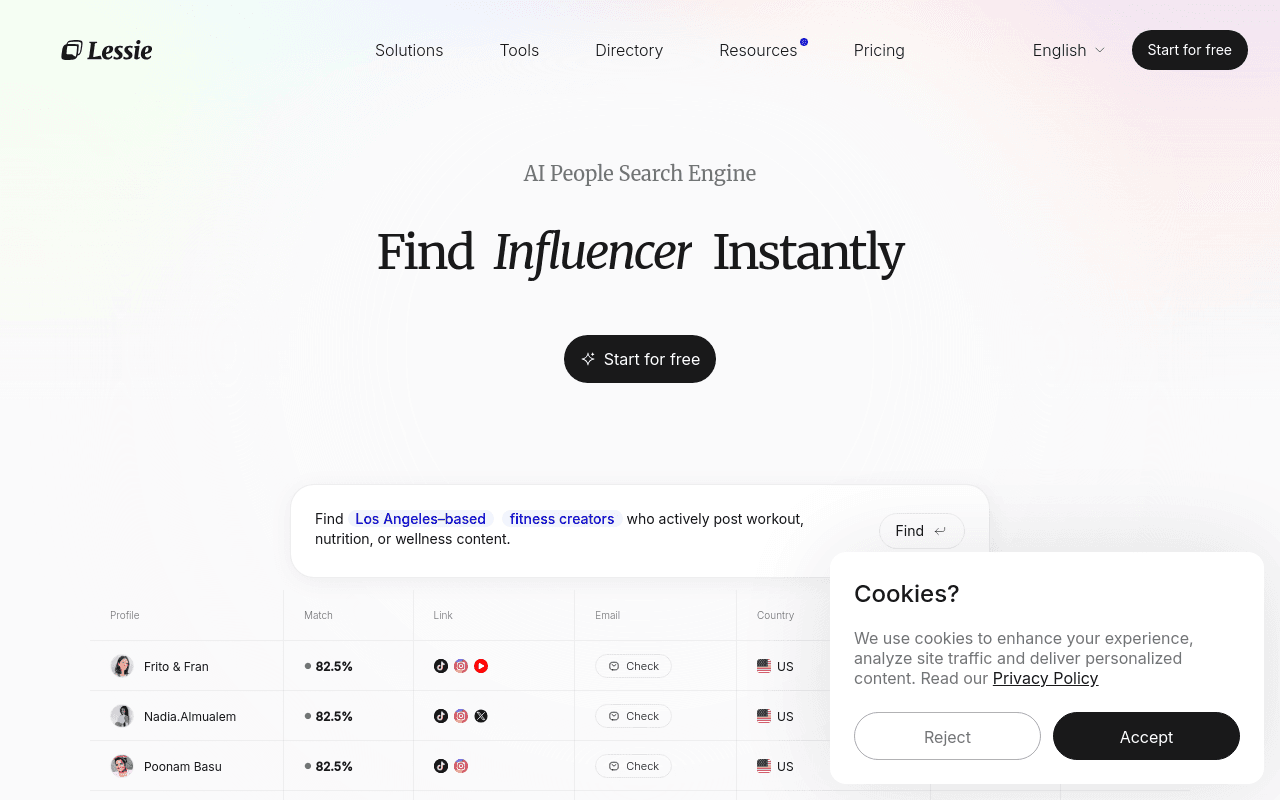
Lessie AI is the world's first People Search AI Agent — and the rare AI tool for LinkedIn that never asks for your LinkedIn login or installs a browser extension. Instead of automating clicks inside your account, Lessie runs an agent that reads a plain-English brief, searches across 100+ data sources simultaneously, and returns people who match, with verified contact details already attached.
That matters because most LinkedIn AI tools improve one step —connecting, messaging, or writing posts — while leaving the underlying account exposed to LinkedIn's automation limits. Lessie's LinkedIn prospecting workflow finds and scores candidates and buyers the same way a recruiter or SDR would search manually, just 80% faster, and its AI for sales prospecting agent layers on real buying signals so outreach goes to people who are actually in-market, not just active on LinkedIn.
Where Lessie beats a typical LinkedIn automation tool:
- No LinkedIn account risk — Lessie never logs into or automates your LinkedIn session, so there is no exposure to connection-request limits or automation bans.
- Verified contacts built in — emails and phone numbers are verified across sources at 95% accuracy, replacing the separate enrichment step most LinkedIn automation stacks still need.
- Signal-aware, not just activity-aware — Lessie factors in buyer intent data, not only LinkedIn job changes and posts, so outreach targets real timing.
- Outreach in the same flow — the agent drafts personalized messages and manages follow-up, driving 3x higher reply rates than manual outreach.
For teams paying for a LinkedIn automation extension plus a separate contact-verification tool, Lessie consolidates the whole find-verify-contact loop into one agent, free to start. The one trade-off: if you specifically want to automate actions inside your existing LinkedIn seat — auto-visiting profiles or auto-accepting connections —Lessie is not built for that, by design.
Taplio
Best for AI-written LinkedIn content and personal branding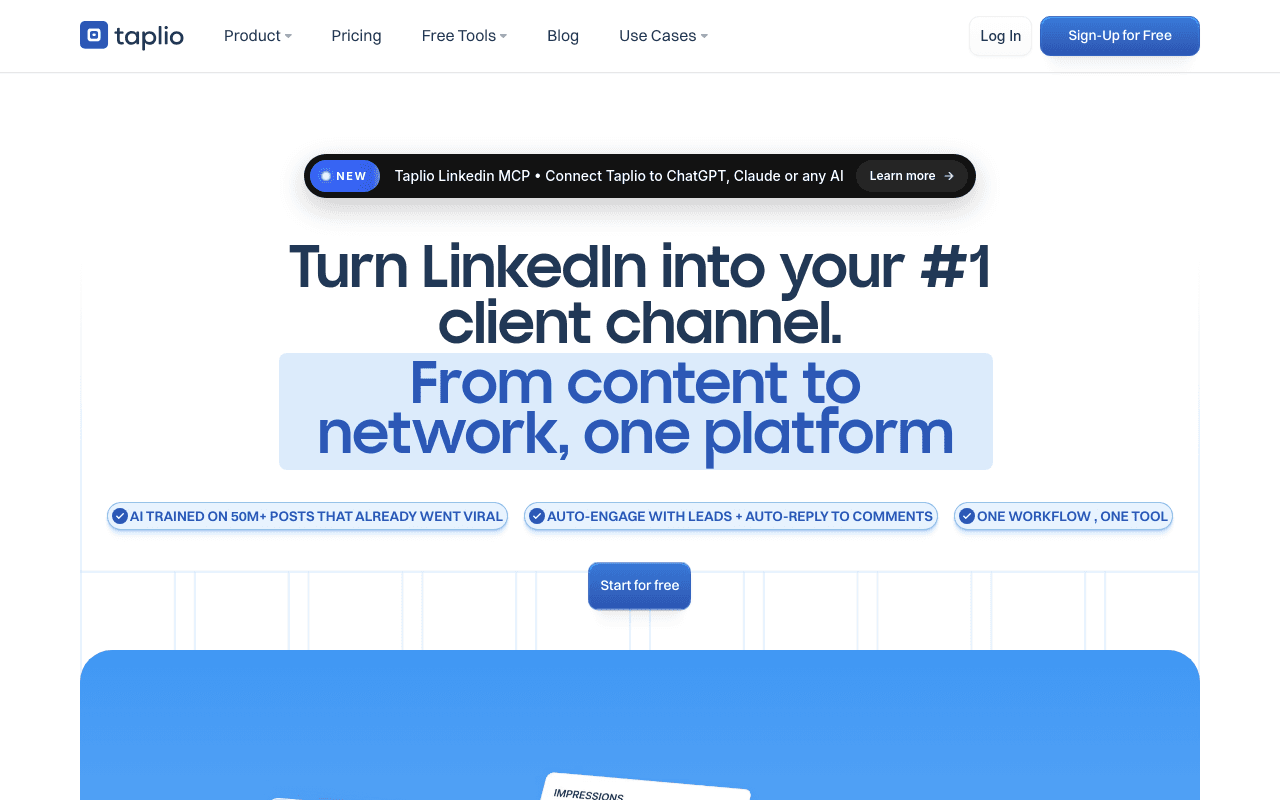
Taplio is the AI tool for LinkedIn built specifically for content and personal branding. It drafts post ideas and full drafts in your voice, schedules them for the best posting times, and tracks which formats actually drive engagement.
Pros: a large swipe file of high-performing posts to model from, solid scheduling and analytics, and a genuinely useful AI writing assistant for LinkedIn-native formatting.
Cons: Taplio only addresses content, not prospecting or contact data, so teams that also need to find and reach buyers or candidates pair it with a separate tool. Pricing has no meaningful free tier.
Waalaxy
Best for LinkedIn plus email multichannel prospecting automation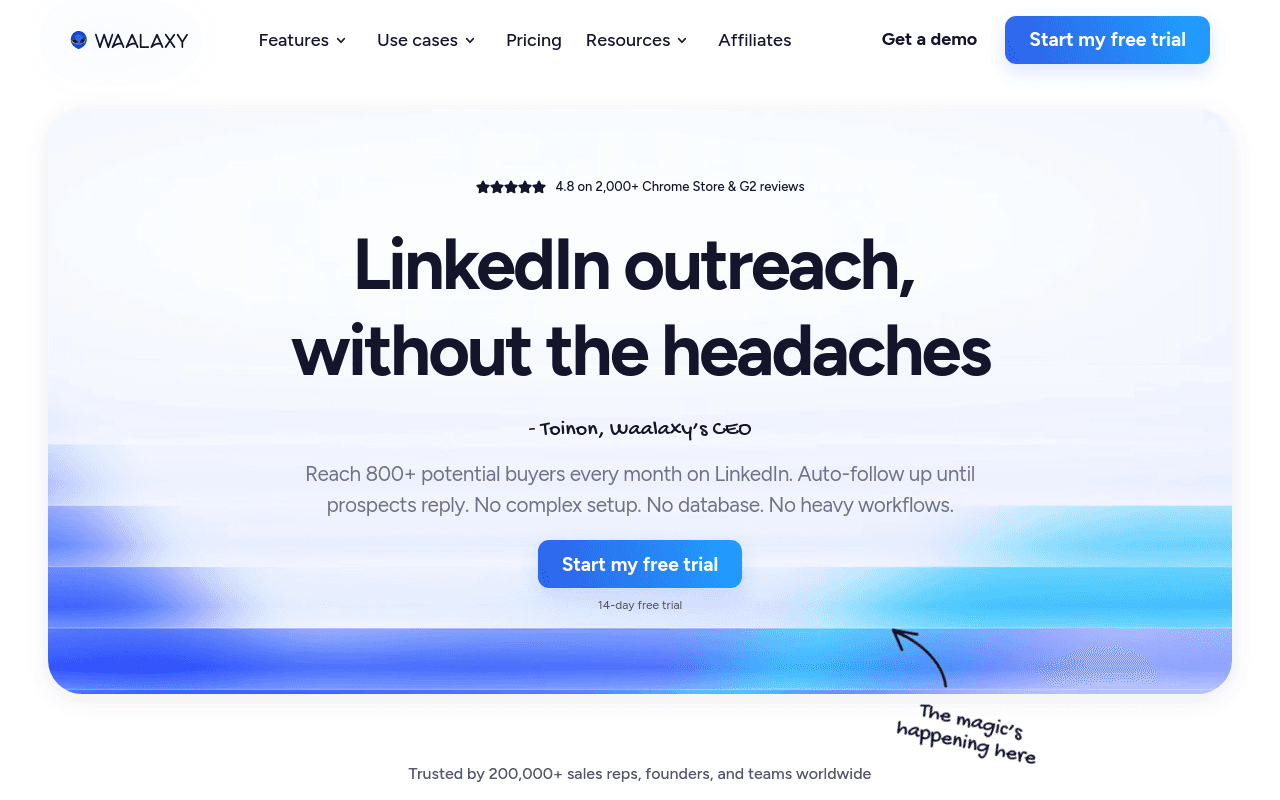
Waalaxy is a browser-extension AI tool for LinkedIn that chains connection requests, LinkedIn messages, and email steps into one automated sequence, with a free plan for light usage.
Pros: an easy multichannel sequence builder, a usable free tier, and a large library of prospecting templates.
Cons: like any extension that automates actions inside your real LinkedIn session, daily limits apply and pushing past them risks account restrictions. Contact data is not independently verified the way a dedicated enrichment layer would be.
Expandi
Best for agencies running LinkedIn automation at scale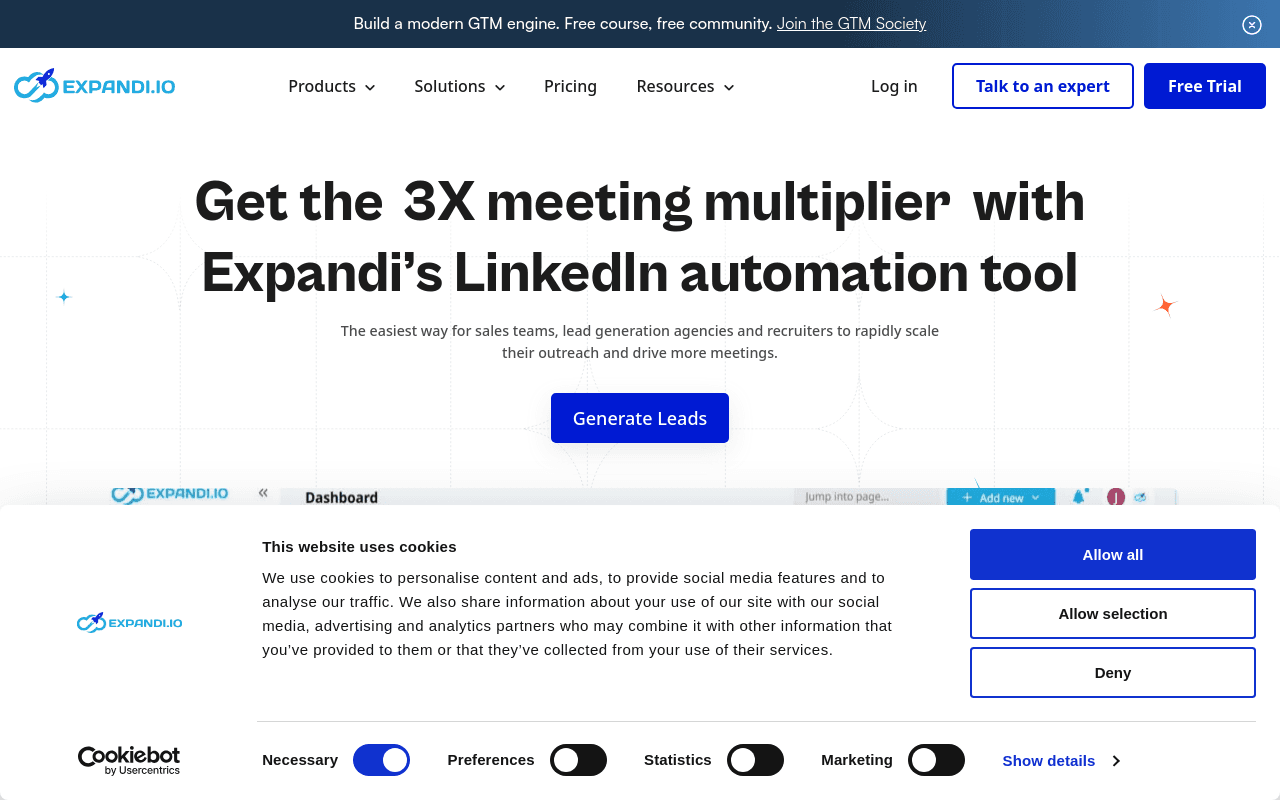
Expandi is a cloud-based LinkedIn AI tool built for agencies that manage outreach for multiple clients at once. It runs each account from a dedicated cloud IP and paces actions to mimic human behavior.
Pros: cloud execution means you do not need to keep a browser tab open, per-account IP assignment, and agency-friendly multi-client management.
Cons: pricing runs higher per seat than most alternatives here, and the core mechanism is still LinkedIn session automation, which carries the same underlying policy risk as any extension-based tool.
Dux-Soup
Best low-cost Chrome extension for basic LinkedIn automation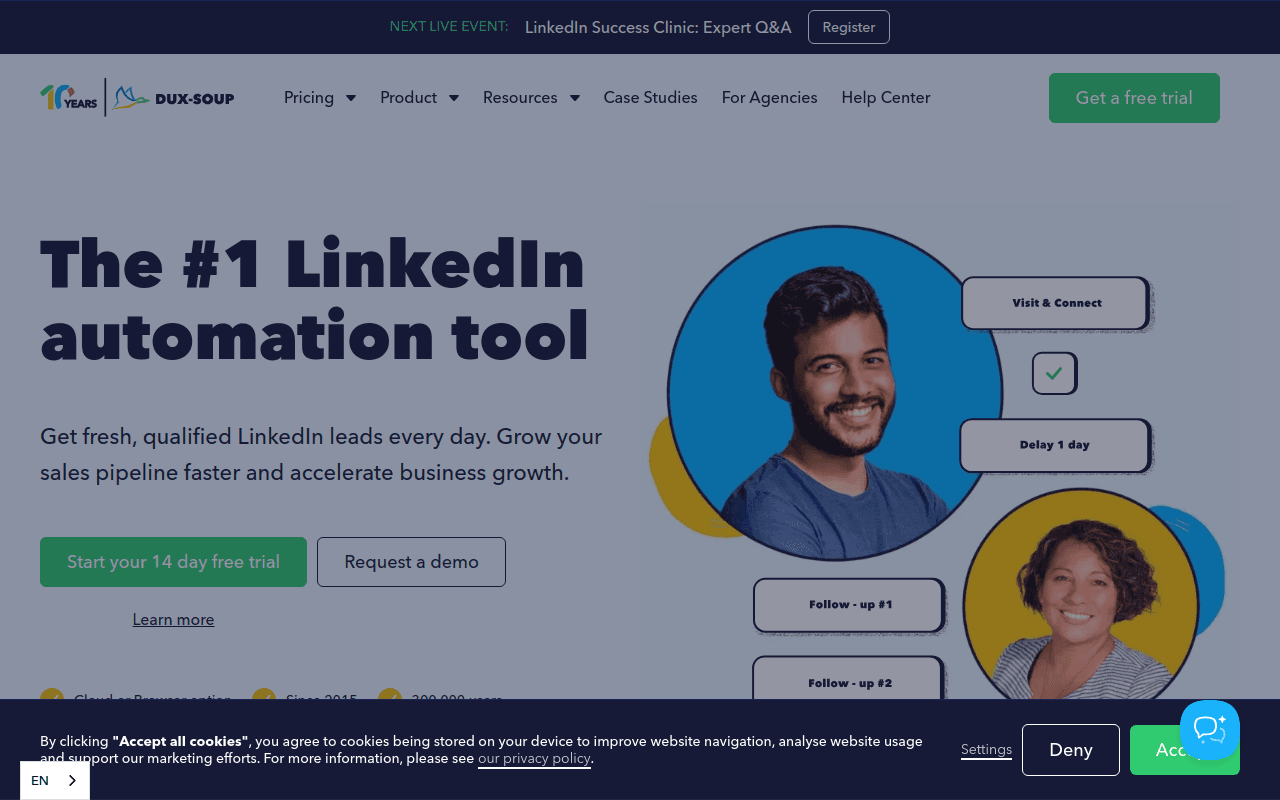
Dux-Soup is one of the longest-running AI tools for LinkedIn automation, offering profile visits, connection requests, and follow-up messaging from a low-cost Chrome extension.
Pros: the cheapest entry point on this list, a simple setup, and a long track record among solo reps.
Cons: as one of the most recognizable extensions in this category, it is closely watched, and cons include the same account-risk profile as other extension-based tools if daily limits are pushed. No built-in contact verification.
Clay
Best for enriching LinkedIn leads with AI-powered data workflows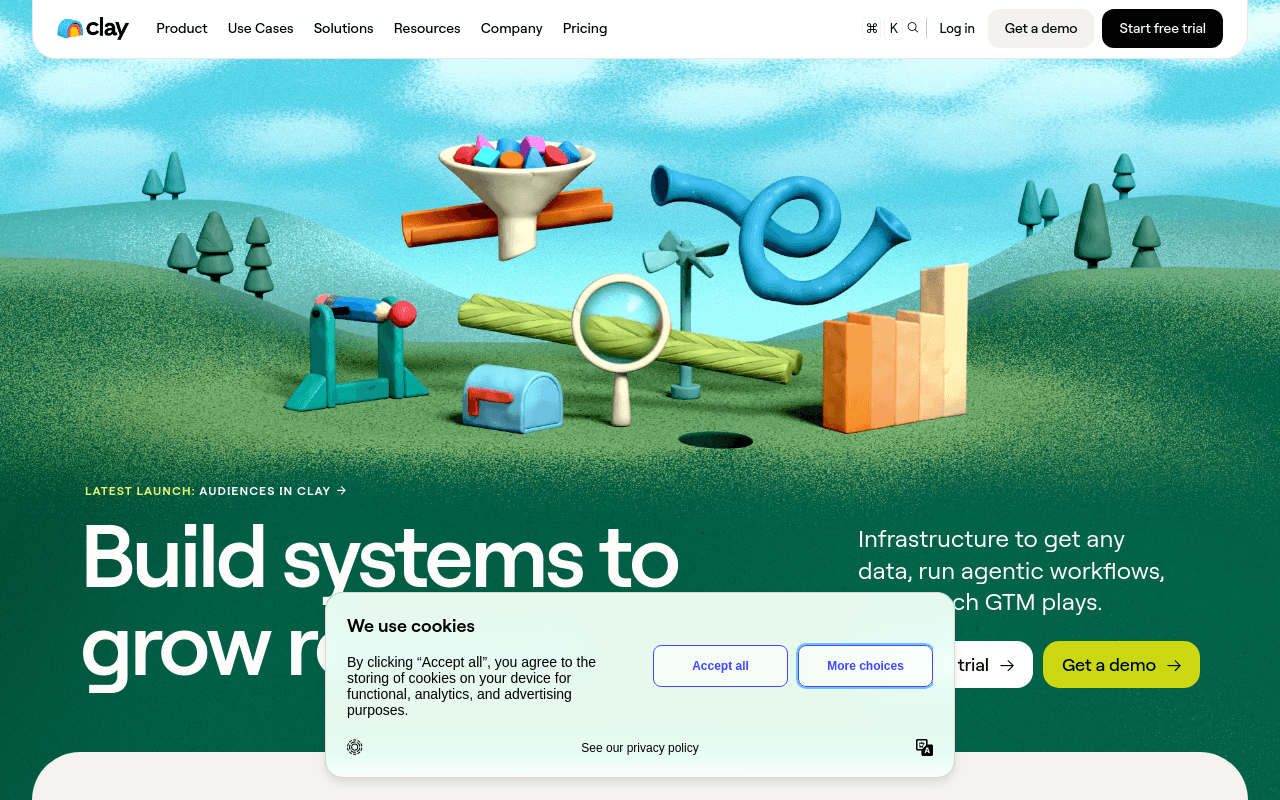
Clay is a spreadsheet-style workflow builder that pulls LinkedIn and dozens of other data sources into one table, then uses an AI research agent to enrich, score, and route leads.
Pros: extremely flexible, deep integration marketplace, and powerful for teams with the technical time to build custom workflows.
Cons: the flexibility comes with a real learning curve, and credit-based pricing can climb quickly at scale. It is a toolkit for building your own system, not a ready-made prospecting agent.
PhantomBuster
Best for exporting and automating LinkedIn actions with pre-built "phantoms"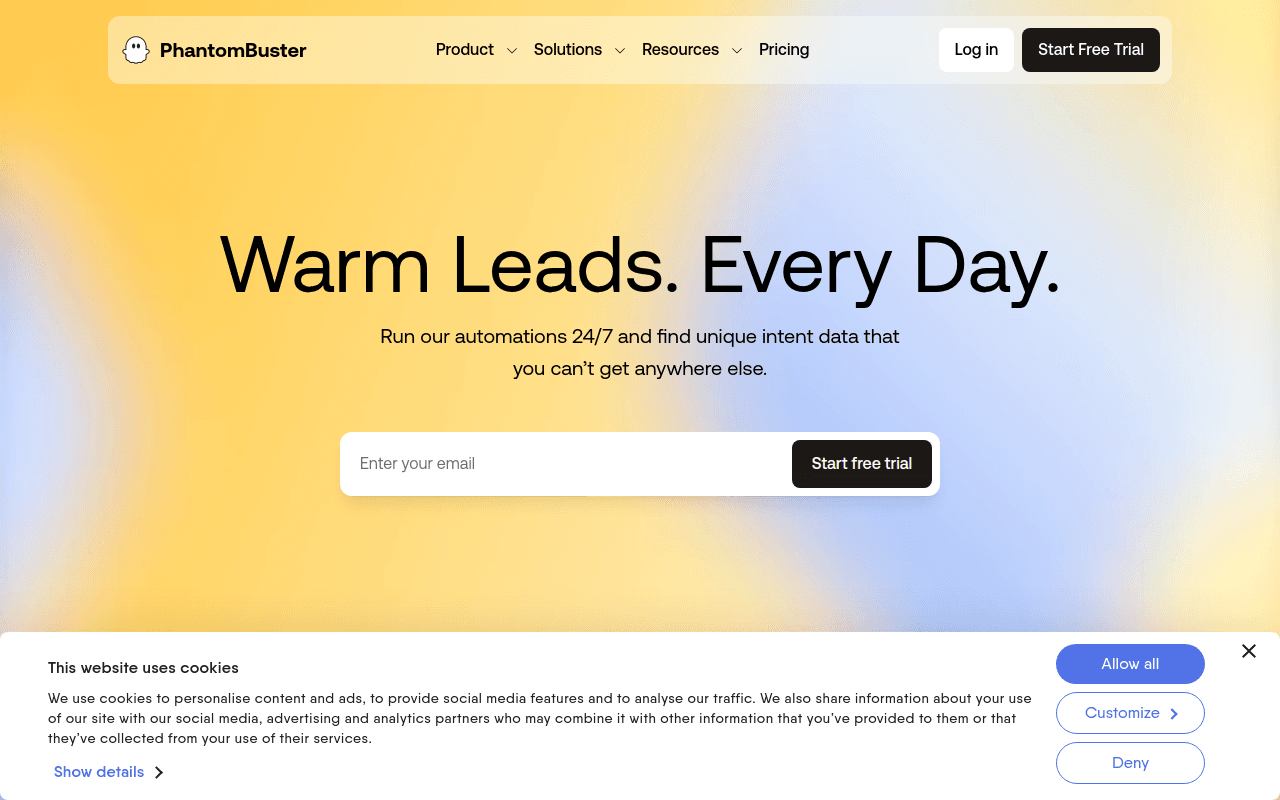
PhantomBuster offers a library of pre-built automations, called Phantoms, that scrape LinkedIn profiles and search results and automate connection requests and messages.
Pros: highly flexible automation building blocks, coverage beyond LinkedIn across other platforms, and a large template library.
Cons: scraping and automating LinkedIn directly carries meaningful account risk, results need cleanup, and there is no built-in contact verification layer.
Dripify
Best for simple, rule-based LinkedIn drip campaigns
Dripify is a cloud-based LinkedIn AI tool with a visual campaign builder for connection requests, messages, and follow-ups, aimed at sales teams that want something simpler than Expandi.
Pros: clean, easy-to-learn interface, cloud execution, and solid analytics on sequence performance.
Cons: no free tier, fewer advanced targeting options than some competitors, and the same underlying account-risk profile as any tool automating actions in your LinkedIn session.
AuthoredUp
Best for formatting and scheduling standout LinkedIn posts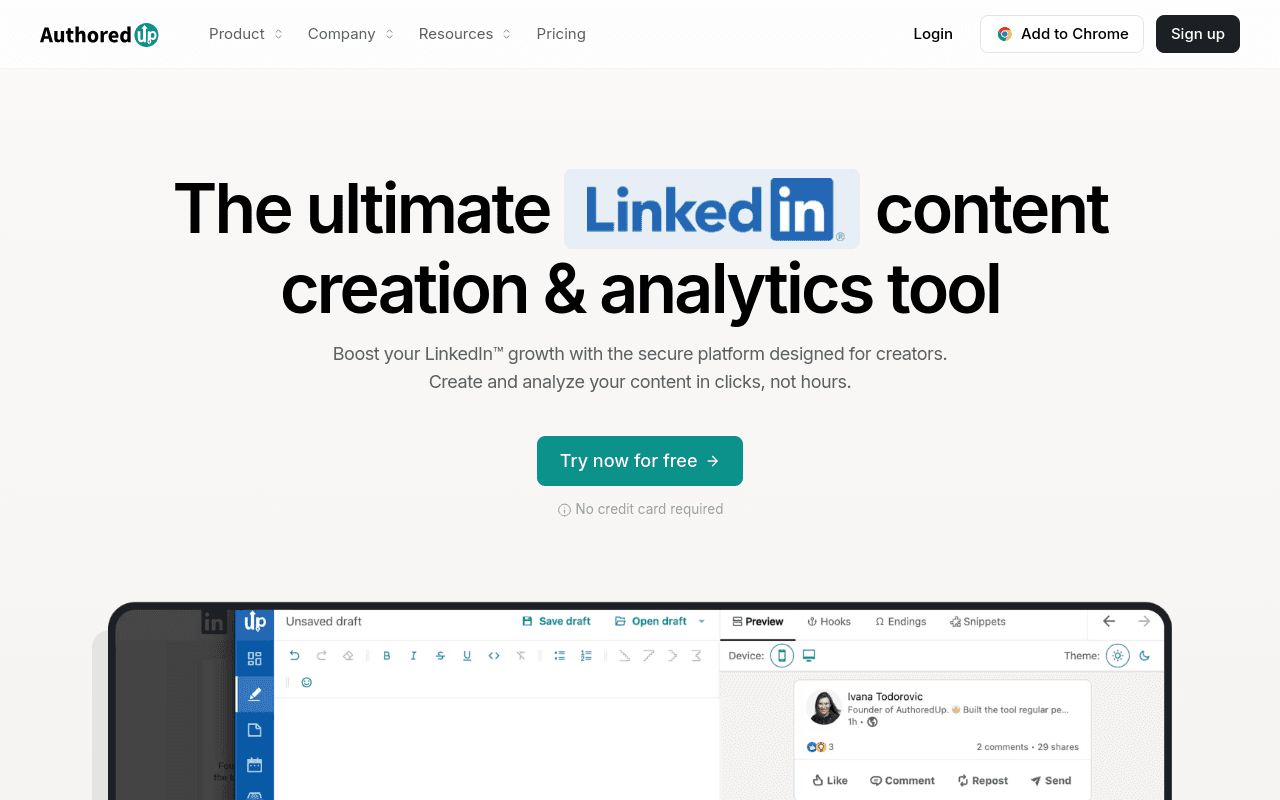
AuthoredUp focuses squarely on how LinkedIn posts look and perform: line-break formatting, hook testing, carousel creation, scheduling, and post-level analytics.
Pros: a genuinely useful free plan, sharp formatting tools that most native LinkedIn editors lack, and clear engagement analytics.
Cons: purely a content tool, with nothing for prospecting or contact data, so it is typically paired with a sourcing tool rather than used alone.
AI Tools for LinkedIn Comparison Table
Here is how the nine best AI tools for LinkedIn compare at a glance:
| Tool | Best for | Starting price | Category | LinkedIn account risk |
|---|---|---|---|---|
| Lessie AI | Find + verify people, no automation risk | Free / $39.9+/mo | AI sourcing agent | None |
| Taplio | AI content and personal branding | $39+/mo | Content | Low |
| Waalaxy | LinkedIn + email multichannel outreach | Free / $56+/mo | Automation | Moderate |
| Expandi | Agency-scale LinkedIn automation | $99+/mo | Automation | Moderate |
| Dux-Soup | Low-cost basic automation | $14.99+/mo | Automation | Moderate-High |
| Clay | AI enrichment and custom workflows | $149+/mo | Enrichment | Low-Moderate |
| PhantomBuster | Scripted scraping and automation | $56+/mo | Automation | Moderate-High |
| Dripify | Simple drip-campaign builder | $59+/mo | Automation | Moderate |
| AuthoredUp | Post formatting and scheduling | Free / $25+/mo | Content | Low |
One agent instead of a LinkedIn extension, a contact verifier, and a separate signals feed. Lessie finds people across 100+ sources, returns verified emails at 95% accuracy, and drafts outreach automatically — without ever touching your LinkedIn login. Start free and run your first search in minutes.
How to Choose the Right AI Tool for LinkedIn for Your Team
The best AI tool for LinkedIn depends on what is actually slowing your team down. Use this decision framework:
- You want to find and reach verified people without automating your own account — Choose Lessie AI. It searches 100+ sources including LinkedIn, verifies contacts at 95% accuracy, and drafts outreach, with zero risk to your LinkedIn login.
- You want to build a personal brand and post consistently — Taplio for full AI writing support, or AuthoredUp if you mainly need formatting, scheduling, and a free plan.
- You want LinkedIn plus email in one automated sequence — Waalaxy offers the most approachable multichannel builder with a usable free tier.
- You manage outreach across many client LinkedIn accounts — Expandi is built for agency-scale, cloud-based automation.
- You want the cheapest possible browser extension — Dux-Soup remains the lowest-cost entry point for basic LinkedIn automation.
- You want to build custom enrichment or outreach workflows across many data sources — Clay gives RevOps teams the flexibility to wire LinkedIn data into a broader system.
- You want flexible, script-like automations beyond LinkedIn alone —PhantomBuster's pre-built Phantoms cover LinkedIn and other platforms.
- You want a simple, visual drip-campaign builder — Dripify keeps LinkedIn sequencing straightforward for small sales teams.
Is It Safe to Use AI Automation Tools on LinkedIn?
Browser-extension and cloud automation tools that click, connect, and message inside your real LinkedIn session carry real account risk, because LinkedIn's own User Agreement restricts scraping and third-party automation of the platform. Five of the AI tools for LinkedIn on this list — Waalaxy, Expandi, Dux-Soup, PhantomBuster, and Dripify — work by automating actions inside your own LinkedIn account, which is exactly the behavior LinkedIn's policies target.
In practice, that means staying under daily action limits, warming up new accounts slowly, and expecting occasional warnings even when you follow best practices. If your team cannot tolerate that risk — or has already had an account restricted — an agent like Lessie AI that searches its own aggregated data sources, including public LinkedIn data, without logging into or automating your account, removes the risk entirely rather than managing it.
For teams that want to go beyond LinkedIn activity as the only signal, pairing AI sales prospecting with real buying signals and buyer intent data tends to outperform LinkedIn-only outreach, since it targets people who are actually in-market rather than merely active on the platform. For most teams evaluating AI tools for LinkedIn in 2026, Lessie AI closes the biggest gap: turning a plain-English brief into found, verified, and contacted people without automation risk, while dedicated content tools like Taplio and AuthoredUp handle the branding side.